Blogs
84 Minute
Odoo ERP: The Ultimate Guide to Features, Pricing and Services in Pakistan
By the Trionex Odoo Team, Odoo Certified Gold Partner in Pakistan. Last updated: November 2026.
Ask ten business owners in Pakistan how they run their company and you will hear the same story. Sales live in one tool. Stock sits in a spreadsheet. Accounts are kept in a third package, and somebody loses the last week of every month making the three agree.
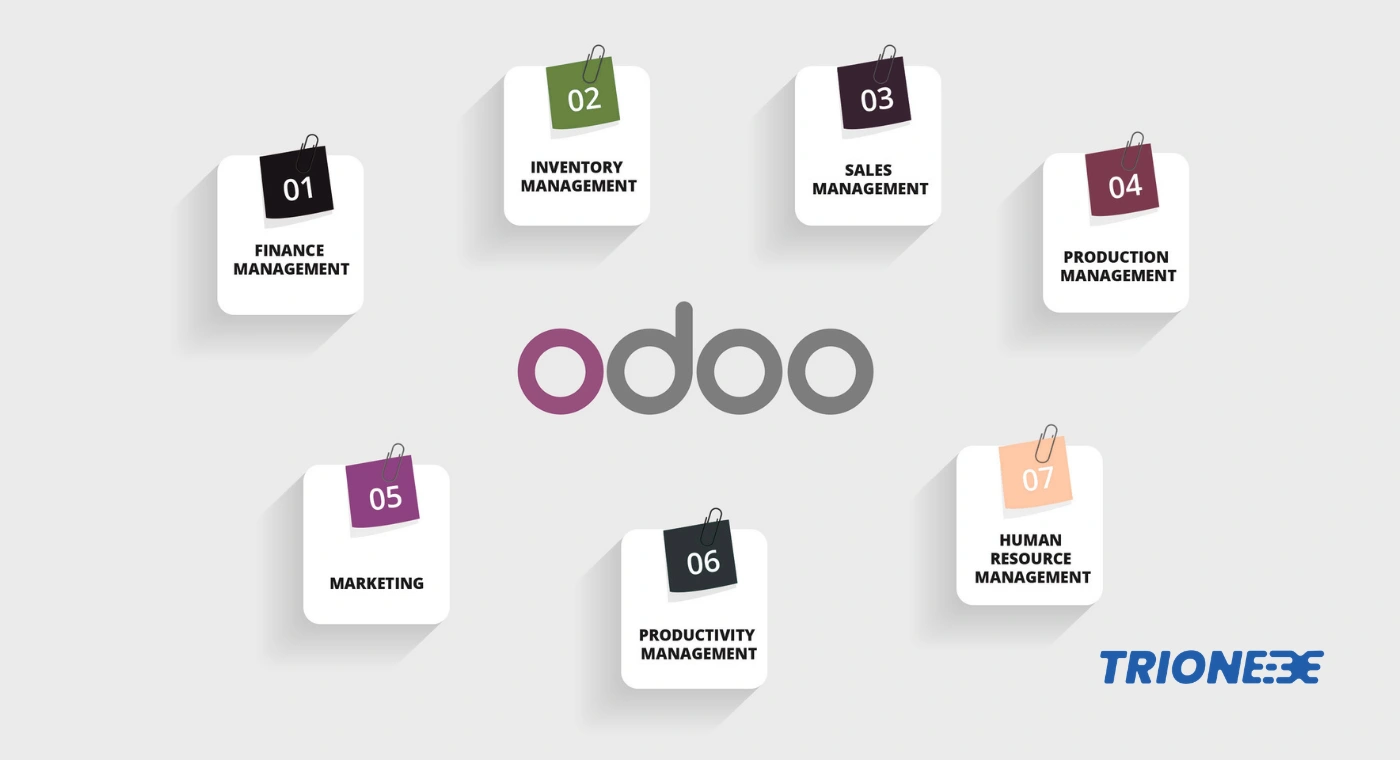
Odoo ERP was built to end that routine. It puts sales, inventory, accounting, HR, manufacturing and your online store on a single database, so a number entered once shows up everywhere it is needed.
This guide covers what Odoo is, where it is used, what it really costs, how it compares with SAP, and how to get it running without the usual pain. It is written by the team at Trionex, an Odoo certified Gold Partner in Lahore that implements and supports Odoo ERP for companies across Pakistan. We have kept it honest, including the parts where Odoo ERP is not the right answer.
Quick Answer: Odoo ERP in 60 Seconds
- What is Odoo? A modular, open source ERP made by the Belgian company Odoo S.A. Each business function is a separate app, and all apps share one database.
- Who uses it? Around 28 million users worldwide, from two person startups to groups with thousands of staff.
- Is Odoo ERP free? Partly. The Community edition and the One App Free plan cost nothing in licence fees. The full Enterprise edition is a paid subscription per user.
- Is SAP better than Odoo? For very large, heavily regulated corporations, often yes. For small and mid sized companies that want speed and a sensible budget, Odoo ERP usually wins.
- How do you get it? Start a trial on odoo.com, or work with an official partner such as Trionex for implementation, customization and support.
What Is the Odoo ERP System? A Plain English Answer
The Odoo ERP system is a set of business apps that all run on one shared database. One app handles sales, another handles stock, another handles the books, and each of them reads and writes the same records. You install only what you need today and add more apps when the business asks for them.
That last point is what separates it from older products. Unlike a traditional ERP system Odoo does not force you to buy and roll out one giant package on day one. A trading company can begin with Sales, Inventory and Accounting, then switch on Manufacturing two years later without changing platforms.
From TinyERP to a €10 Billion Company
Odoo began in Belgium in 2005, when Fabien Pinckaers released a small open source ERP called TinyERP. It was later renamed OpenERP, and in 2014 it became Odoo once the product had grown beyond classic ERP into websites, online stores and marketing.
Today the Odoo company employs about 7,500 people and reports roughly 28 million users, around 80% of them on free plans. At its annual Odoo Experience event in September 2026, the founder put the value of the business at €10 billion and presented Odoo 20, the newest version (The Brussels Times).
How the Odoo System Works Behind the Screen
Technically, Odoo ERP software is written in Python, stores its data in PostgreSQL and runs in any web browser. Nothing is installed on staff computers.
What matters more is how the apps talk to each other. Follow one order through the system:
- A salesperson confirms a quotation in the Sales app.
- Inventory reserves the stock and creates a delivery order for the warehouse.
- Once the goods leave, Accounting raises the invoice with the right taxes.
- When the customer pays, the bank entry is matched and the ledger is updated.
Nobody retyped the customer name, the price or the quantity. That is what “integrated” really means, and it is the main reason companies move to Odoo ERP from separate tools.
Odoo Community vs Odoo Enterprise: Which Edition Do You Really Need?
Odoo comes in two editions. Community is the free, open source ERP core. Odoo Enterprise is the paid edition that adds more apps, hosting options and official support from Odoo. Both share the same foundation, so you can move from Community to Enterprise later.
| Point of comparison | Odoo Community | Odoo Enterprise |
| Licence | Open source (LGPLv3), free | Paid subscription per user |
| Accounting | Invoicing and payments only | Full accounting with reports and bank matching |
| Odoo Studio for no code changes | Not included | Included on the Custom plan |
| Mobile | Browser only | Android and iOS apps |
| Support and version upgrades from Odoo | Not included | Included |
| Hosting | You host it yourself | Odoo Online, Odoo.sh or your own server |
Our practical advice: if you need proper books, payroll or production planning, choose Enterprise. Community suits firms that have their own developers and are happy to maintain the system themselves.
Three Ways to Host Your Odoo Software
- Odoo Online: Odoo hosts and maintains everything. It is the fastest way to start, but it does not accept custom Python modules.
- Odoo.sh: A cloud platform made for projects with custom code. You get test and staging copies of your database. Hosting is billed on top of the licence.
- On premise or your own cloud: You control the server, the backups and where the data lives. You, or your partner, also carry the maintenance work.
With any Odoo ERP project, decide edition and hosting together. A common and expensive mistake is to start on Odoo Online and then discover that the business needs a custom module it cannot run.
Odoo Apps Explained: The Modules That Do the Heavy Lifting
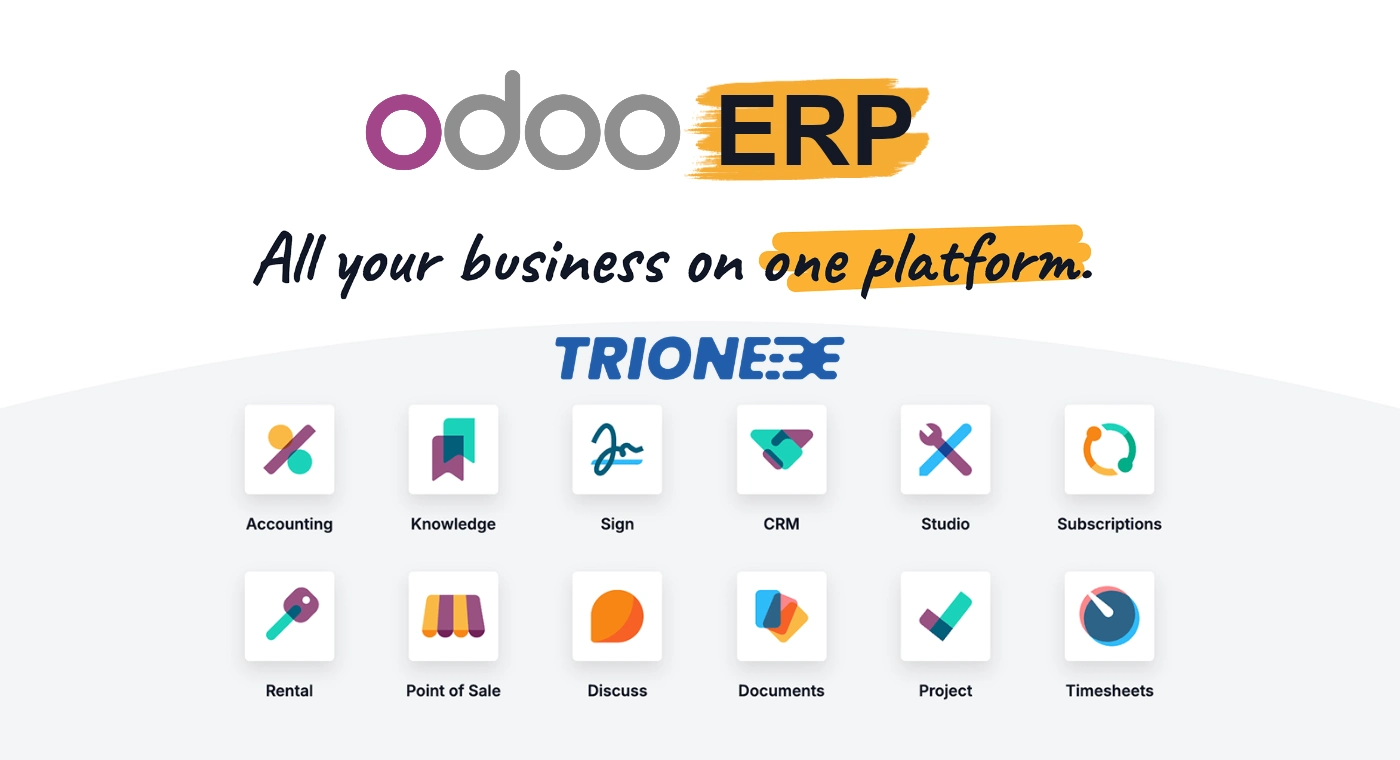
Odoo apps are the building blocks of the platform. Odoo ships dozens of official apps, and its store lists more than 40,000 community apps built by outside developers (odoo.com). In practice, most companies run their whole Odoo ERP on six or seven of them.
| Business area | Main Odoo apps | What they usually replace |
| Sales | Odoo CRM, Sales, Point of Sale, Subscriptions | Lead sheets and standalone tills |
| Finance | Accounting, Invoicing, Expenses | QuickBooks, Peachtree, Tally |
| Supply chain | Inventory, Purchase, Manufacturing, Quality | Stock registers and Excel planning |
| Online | Website, Odoo eCommerce, Live Chat | Separate web store platforms |
| People | Employees, Attendance, Time Off, Payroll | HR files and manual salary sheets |
| Services | Project, Timesheets, Helpdesk, Field Service | Task boards and shared inboxes |
Odoo CRM
Odoo CRM shows every lead as a card on a pipeline board. Emails, calls and meetings are logged against the lead, and a won deal turns into a quotation in one click. Because the quotation pulls live prices and stock, the salesperson can promise a delivery date the warehouse can keep.
Odoo Accounting Software
Odoo accounting software handles invoices, vendor bills, bank reconciliation, multiple currencies and tax reports. Every sale and stock movement posts its own journal entry, so month end becomes a review exercise instead of a data entry marathon. Sales tax and withholding rules for Pakistan are configured during implementation.
Odoo eCommerce and Point of Sale
Odoo eCommerce and the Point of Sale app read the same product and stock records. If the last piece sells in your Gulberg outlet, the website stops offering it a moment later. For retailers who sell in store and online, that single stock figure prevents a lot of apology calls.
Inventory and Manufacturing
Inventory supports barcodes, several warehouses and costing methods such as FIFO and average cost. Manufacturing adds bills of materials, work orders and quality checks, so the cost of a finished item is built from real material and labour figures.
AI Agents in Odoo 20
The newest release moves AI from writing text to doing work. In Odoo 20, an AI agent can create or update records, read files and act inside the system, including by voice (The Tribune). It is early days, but routine jobs such as logging vendor bills are the obvious first candidates.
Where Is Odoo ERP Used? Industries and Everyday Use Cases
As an ERP, Odoo is used wherever a business buys, makes, stores, sells or bills something. The apps stay the same. What changes is how they are set up for each trade.
| Industry | Typical Odoo setup | Problem it removes |
| Restaurants and food chains | Point of sale, kitchen display, stock per outlet, central purchasing | Recipe costs and wastage hidden in outlet sheets |
| Retail and fashion | Point of sale, online store, inventory, loyalty | Different stock numbers in store and online |
| Manufacturing and textiles | Manufacturing, purchase, quality, costing | Not knowing the true cost of an order |
| Distribution and wholesale | Several warehouses, sales, credit limits | Overselling and overdue receivables |
| Internet and subscription services | Subscriptions, helpdesk, field service | Missed renewals and untracked complaints |
| Agencies and software houses | Project, timesheets, invoicing | Hours worked but never billed |
Which Company Sizes Does It Suit?
Odoo ERP fits best from about five users up to several hundred. Odoo’s own guidance is telling: companies with fewer than 50 employees often work with Odoo directly, while those above 50 usually work with a local partner for project management (Odoo pricing page).
Very small teams can start on a single free app. Larger groups use the multi company feature to keep separate books for each legal entity while still reporting on the whole group.
Using Odoo ERP in Pakistan: What Is Different Here
Two local points deserve attention before you sign anything.
The first is tax reporting. The Federal Board of Revenue requires sales tax registered businesses to link their invoicing systems to its digital invoicing platform, either through PRAL or a licensed integrator (Comarch). In Odoo this is an integration job: each confirmed invoice is sent for validation and the response is stored on the invoice. Provincial sales tax on services and withholding tax need the same care.
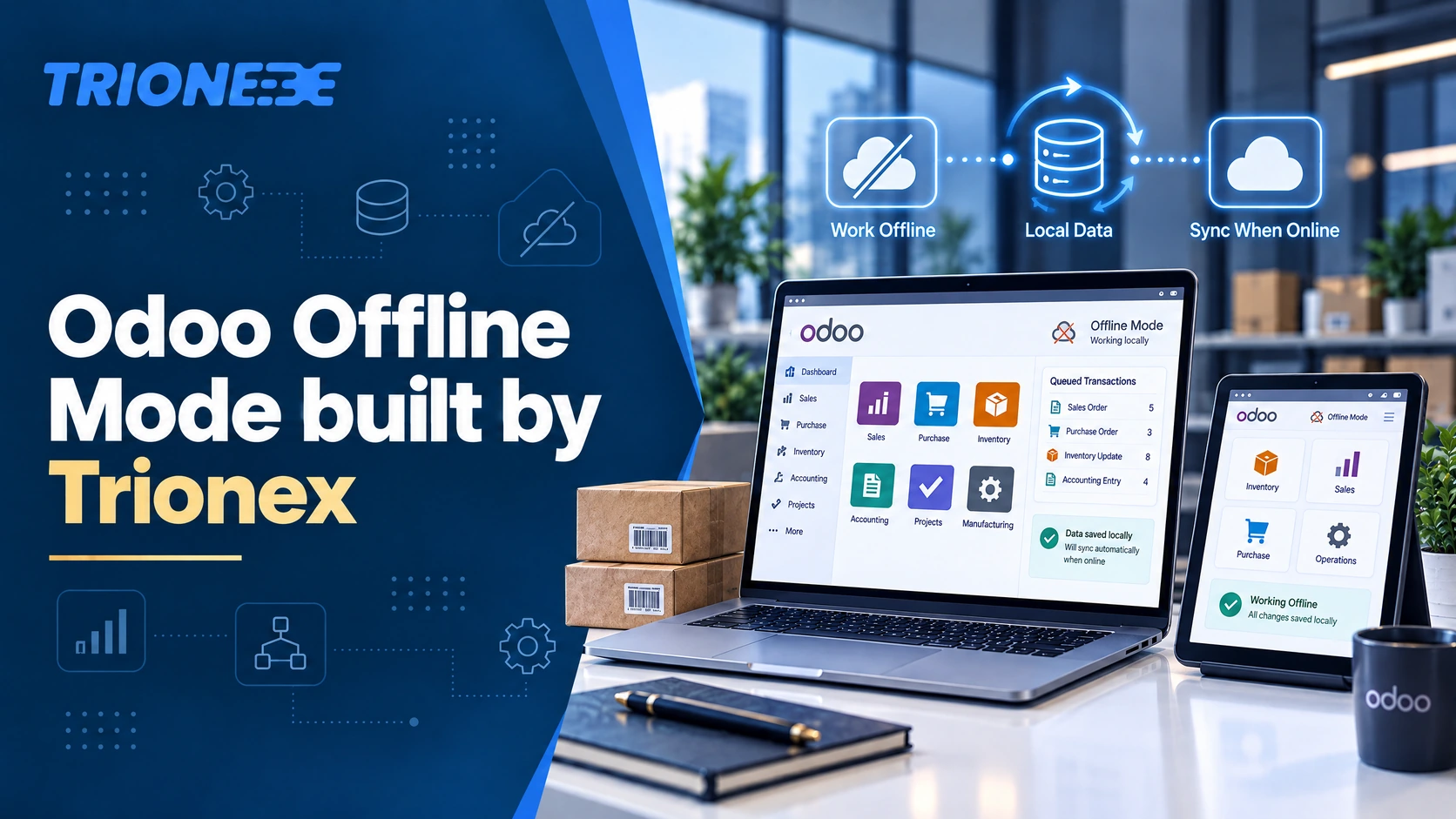
The second is connectivity and hardware. Outlets with unreliable internet need a till that keeps selling offline and syncs later, which the Odoo Point of Sale app does. Receipt printers, barcode scanners and attendance machines should be tested with your setup before go live, not after.
8 Powerful Benefits of Odoo ERP You Will Notice in Year One
Here is what changes once Odoo ERP is in daily use.
- One set of numbers. Sales, stock and accounts come from the same records, so meetings stop being arguments about whose sheet is right.
- One price for every app. Odoo charges per user, not per module. Adding the Helpdesk app next year does not add a new licence line.
- Start small, grow steadily. Go live with three apps, then add more once the team is comfortable.
- No lock in. Your data sits in PostgreSQL and you have access to the source code. If you change partner or hosting, the system moves with you.
- Faster go live. Compared with legacy ERP software, Odoo projects are measured in months, not years.
- Room to customize. Small changes are made with Odoo Studio. Bigger ones are written as modules in Python.
- A very large ecosystem. More than 100,000 developers contribute to the community, so most common needs already have an app.
- A new version every year. Each release brings usable features, and upgrades are part of the paid plans.
There are results behind the list. On odoo.com, the CEO of KPMG Belgium says the processing time for accounting documents dropped noticeably after the move to Odoo, in some cases from two days to five hours.
The Honest Part: Where Odoo ERP Falls Short
No ERP is perfect, and you should hear the weak points from a partner before you hear them from your staff.
- It is not ready out of the box. Odoo needs configuration, clean data and trained users. Skip any of the three and it shows within weeks.
- Custom code has a running cost. Every custom module must be checked and adjusted at each version upgrade.
- Community has real gaps. Without full accounting and official support, many firms outgrow it quickly.
- Giant corporations may need more. Groups with heavy consolidation rules or strict industry regulation sometimes fit SAP or Oracle better.
Is Odoo ERP Free? The Truth About Odoo Pricing
Odoo ERP is free in three specific situations and paid in all others.
- Odoo Community. The open source edition has no licence fee. You still pay for a server and for the people who install and maintain it.
- One App Free. Pick any single app on Odoo Online and use it with unlimited users at no charge. If that app depends on other apps, those come free as well.
- Free trial. You can test the full Enterprise edition before paying anything.
Once you install a second app, you move to a paid plan. Odoo pricing is per user, per month, and one fee covers all apps.
| Plan | US list price, billed yearly | What you get |
| One App Free | US$0 | One app, unlimited users, Odoo Online |
| Standard | US24.90peruserpermonthinyearone,thenUS31.10 | All apps on Odoo Online |
| Custom | From US49.00peruserpermonthinyearone,thenUS61.00 | All apps plus Studio, multi company and external API, on Odoo Online, Odoo.sh or your own server |
| Community | US$0 licence | Core apps, self hosted, no support from Odoo |
These are US list prices as of November 2026. Check the live Odoo pricing page before you budget.
Two details matter for readers in Pakistan. Odoo sets prices by region, and Pakistan falls in one of the lower tiers. An independent tracker that reads odoo.com showed about US8.95peruserforStandardandUS16.40 for Custom in October 2026 (OEC.sh). Treat those as a guide and confirm the figure shown to you. Also, in September 2026 Odoo announced its first price increase in four years, along with a cheaper “light user” seat for staff who only need basic access (The Brussels Times).
What an Odoo ERP Subscription Does Not Cover
The licence is only one part of the bill. Odoo’s own pricing page lists what sits outside it: implementation, customization, data import, training, Odoo.sh hosting and the upkeep of custom code.
A fair way to budget is to think in three lines: licences, the one time project, and yearly support. In a first Odoo ERP project the second line is normally the largest, so get it quoted in writing against a fixed scope.
Is SAP Better Than Odoo? A Straight, No Hype Comparison
SAP is not better than Odoo. It is built for a different customer. SAP’s flagship products are designed for large, complex organisations and priced to match. Odoo ERP is designed for small and mid sized companies that want wide coverage, a quick start and a predictable bill.
| Factor | Odoo | SAP (S/4HANA and Business One) |
| Origin | Belgium, 2005 | Walldorf, Germany, 1972 |
| Size of vendor | About 7,500 employees and 28 million users | 112,019 employees; 99 of the world’s 100 largest companies are customers |
| Core model | Open source core with a paid Enterprise edition | Proprietary software |
| Price visibility | Published per user on odoo.com | Quoted case by case, usually through partners |
| Typical project length | Two to six months for most mid sized firms | Often a year or more for S/4HANA programmes |
| Customization | Odoo Studio and Python modules | Specialist SAP developers and tools |
| Best fit | Small and mid sized businesses and growing groups | Large enterprises with complex, regulated operations |
Sources: The Brussels Times for Odoo figures and the SAP corporate fact sheet for SAP figures.
Choose SAP When
- You run a large group across many countries with strict consolidation and audit requirements.
- Your industry has deep, specialised processes that SAP already covers as standard.
- You have the budget and the in house team to run a programme that lasts years.
Choose Odoo ERP When
- You are a small or mid sized business replacing spreadsheets, Tally, QuickBooks or an ageing custom system.
- You want published pricing and a go live date within months.
- You want to shape the system around your process without a large consulting bill.
One detail we enjoy: the odoo.com home page quotes a former SAP chief executive on the power of keeping things simple. For most companies in Pakistan, an Odoo ERP that is simple, affordable and finished beats a bigger system that is half implemented.
How to Get Odoo ERP: 6 Simple Steps From First Click to Go Live
Getting started with Odoo ERP is quicker than most people expect. This is the path we recommend.
- Try an Odoo demo. Go to odoo.com, choose “Start now” and pick a few apps. You get a working database in minutes, with no credit card needed. A partner led Odoo demo that uses your own products and price list is even more useful.
- Set up your Odoo login. Your database gets its own web address, such as yourcompany.odoo.com. Each employee signs in with a personal email and password. Do not share accounts, and turn on two step verification for anyone who touches accounting.
- Write down how you work. List your processes from enquiry to cash and from purchase to payment. Mark what hurts today. This short document saves weeks later.
- Pick edition and hosting. Standard processes and no custom code point to Odoo Online. Integrations and custom modules point to the Custom plan on Odoo.sh or your own server.
- Decide who will implement. You can work with Odoo directly or with one of the official Odoo partners listed by country on odoo.com. A local partner brings on site workshops, local tax knowledge and support in your time zone.
- Go live in phases. Start with the core apps, train the people who will use them daily, run the old and new systems side by side for a short period, then switch.
Odoo ERP Services From Trionex: Everything You Need Under One Roof
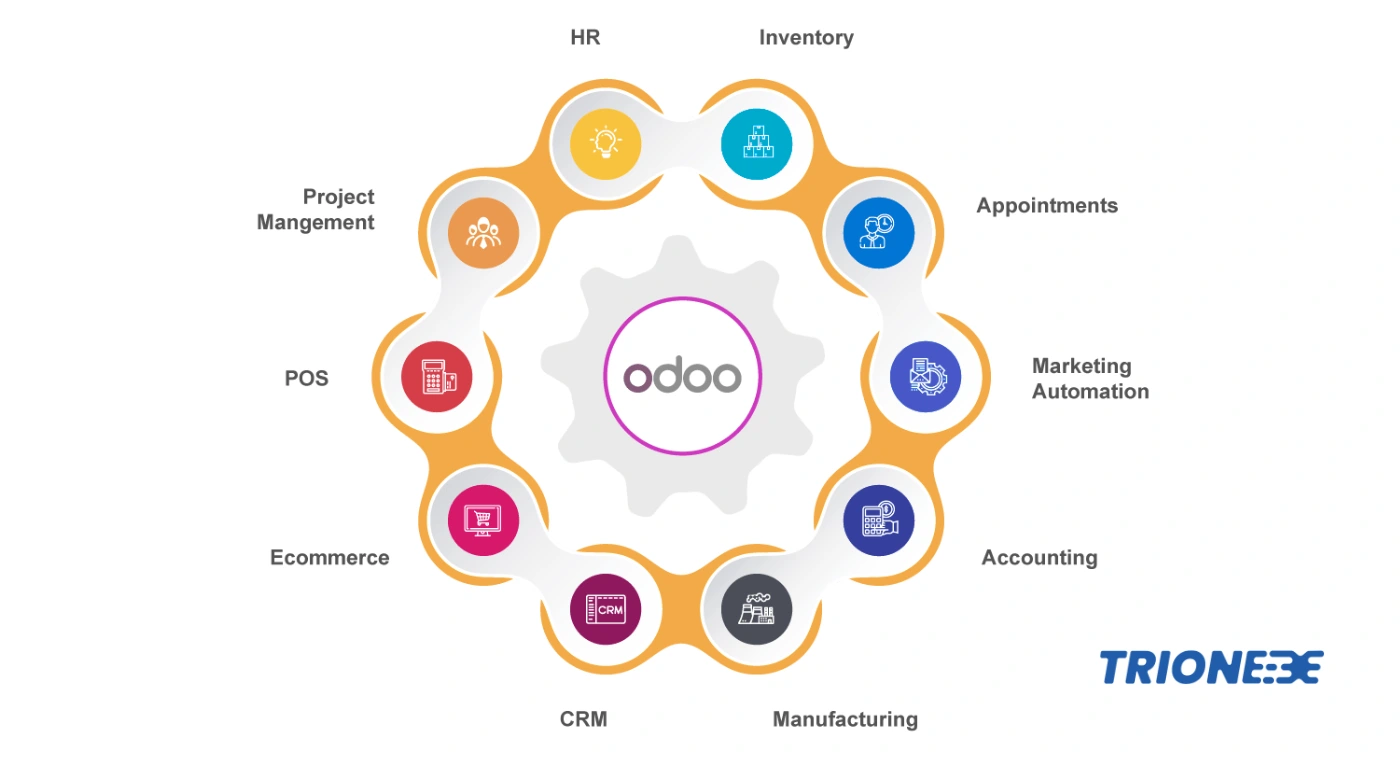
Software does not fix a business on its own. The result depends on how well it is set up, adapted and looked after. These are the Odoo ERP services our team delivers, in the order most clients need them.
Odoo Implementation
Our Odoo implementation services follow a fixed path: discovery workshops, gap analysis, configuration, data import, user testing, go live and a period of close support afterwards. We map your process to standard Odoo first and only record a gap when the standard flow truly cannot do the job.
Most small and mid sized Odoo ERP projects go live within two to six months. One local tip: avoid switching systems at the 30 June year end. Going live at the start of a quiet month, with opening balances signed off by finance, is far less stressful.
Odoo Customization
For Odoo customization our rule is simple: configure first, use Odoo Studio second, write code last. Typical customizations include approval chains for purchases and discounts, invoice layouts that show NTN and STRN details, and dashboards for owners who want five numbers every morning. Every change is documented so the next upgrade holds no surprises.
Module Development
When your business has a process that no existing app covers, we build odoo custom module. Examples are royalty calculations for franchise brands, billing rules for subscription businesses and costing sheets for production. Our developers extend the standard Odoo models instead of editing core code, keep everything in version control and test on a staging copy before anything reaches your live database.
Odoo Integrations
Odoo ERP has an open API, so it can exchange data with almost any modern system. The most requested odoo integrations in Pakistan include FBR digital invoicing, Shopify and marketplace stores, payment gateways, courier companies, bank files and biometric attendance devices.
A good integration is more than a connection. It needs a queue, automatic retries and a visible error log, so a failed sync is noticed the same day and not at month end. Keep in mind that calling Odoo from an outside system requires the Custom plan.
Migration & Upgrades
Odoo Migration covers two different jobs. The first is moving into Odoo ERP from Excel, Tally, QuickBooks or an older ERP, which is mostly about cleaning and mapping data. The second is upgrading an existing Odoo database to a newer version.
Odoo gives each major version three years of standard support. For Odoo 17 that window was scheduled to end in September 2026, and for Odoo 18 it is planned to end in September 2027 (Odoo documentation). If you are on version 17 or older, plan the upgrade now. We test on a copy, adapt the custom modules, rehearse the cutover and then switch over a weekend.
Support & Maintenance
After an Odoo ERP goes live, small questions arrive every day. Our odoo support covers user queries, bug fixes, access rights, server monitoring, backups, security updates and performance tuning. Regular health checks catch slow reports and growing tables before your users complain about them.
Training & Consultation
People, not software, decide whether an Odoo ERP rollout succeeds. We train by role, so a cashier, a storekeeper and an accountant each learn only the screens they will use. Key users are trained first and then help their own teams.
Consultation comes before any purchase. We review your processes, recommend an edition, size the licences and tell you plainly if a smaller setup would do.
Why Companies in Pakistan Trust Trionex as Their Odoo Partner
Trionex is an Odoo certified Gold Partner. That badge is earned, not bought. Under Odoo’s partnership agreement, partner levels are reviewed against three measures: new Enterprise users brought in each year, the number of certified employees and customer retention. Gold requires at least 300 new users a year and Six certified employees (Odoo partnership agreement).
What that means for you in practice:
- Certified consultants. The people who design your Odoo ERP have passed Odoo’s own exams.
- A local team. We are based in Lahore, work in your time zone and can sit in your office during workshops and go live.
- Sector experience. Our Odoo ERP projects cover restaurant chains, retail brands, internet service providers and manufacturers.
- One team for everything. Functional consultants, Python developers and integration engineers work together, so nothing gets lost between vendors.
- Straight answers. If standard Odoo already does what you want, we will say so and save you the development cost.
5 Questions to Ask Any Odoo Partner Before You Sign
- Which partner level do you hold on odoo.com, and how many certified consultants will work on my project?
- Can I speak to one of your clients in my industry?
- What exactly is in scope, and what happens when I ask for a change?
- Who owns the custom code and the database when the project ends?
- What does support cost per month after go live?
The Bottom Line: Is Odoo ERP Right for Your Business?
If your team is juggling separate tools for sales, stock and accounts, Odoo ERP is one of the most practical ways to bring them together. It is affordable, it grows with you and it does not tie you to one vendor. It also needs careful setup, clean data and trained people to deliver what the brochure promises.
That is where a good partner earns its fee. As an Odoo certified Gold Partner, Trionex handles implementation, customization, module development, integrations, migration, support and training for businesses across Pakistan.
Ready to see Odoo ERP working with your own data? Talk to the Trionex team and book a demo. Bring your hardest process. We will show you how it runs in Odoo, or tell you honestly if it does not.
Frequently Asked Questions
What is the Odoo ERP system?
It is a modular suite of business apps that share one database. Sales, inventory, accounting, HR, manufacturing and online selling work as one system, and you install only the apps you need.
Is Odoo ERP free?
Odoo Community is free to download and use, and the One App Free plan gives you one app with unlimited users at no cost. Running several apps on Odoo Enterprise requires a paid plan per user.
Is SAP better than Odoo?
SAP is stronger for very large corporations with complex, regulated operations. Odoo is usually the better fit for small and mid sized companies because it costs less, goes live faster and is easier to adapt.
How much does Odoo ERP cost in Pakistan?
Odoo prices by region, and Pakistan sits in a lower price tier than the US or Europe. Expect a monthly fee per user plus a one time implementation cost that depends on your apps, data and customization. Ask for a written quote against a fixed scope.
How long does it take to implement Odoo ERP?
Most small and mid sized companies go live in two to six months. A simple setup with three or four apps can be quicker, while multi branch and manufacturing projects take longer.
What is the difference between Odoo Community and Odoo Enterprise?
Community is the free open source core that you host yourself. Enterprise adds full accounting, Odoo Studio, mobile apps, hosting options, version upgrades and official support.
Can Odoo ERP connect with FBR digital invoicing?
Yes. Odoo can be integrated so that confirmed invoices are sent to the FBR platform through PRAL or a licensed integrator, and the response is saved on each invoice. Your partner needs to set this up and test it.
Where is the Odoo login page?
On Odoo Online, your Odoo login page is your database address, for example yourcompany.odoo.com. On a self hosted system it is the web address your company or partner has set up.
Who owns Odoo?
Odoo S.A. is a privately held Belgian company founded by Fabien Pinckaers, who still leads it as chief executive.
Is Odoo ERP good for small businesses?
Yes. A small business can start with one free app or a handful of users and add apps as it grows, without changing software later.