Operating a successful restaurant, cafe, or hospitality business is a complex balancing act. On any given day, management must coordinate table seatings, order taking, kitchen prep, perishable stock control, vendor payouts, staff scheduling, and customer loyalty—often across multiple locations. When these operational areas rely on disconnected software tools or manual logbooks, friction is inevitable. Orders get delayed, ingredient costs creep up unnoticed, and guest satisfaction suffers.
Modern hospitality leaders are increasingly moving away from single-purpose Point of Sale (POS) hardware and fragmented tools. Instead, they are adopting integrated Enterprise Resource Planning (ERP) frameworks that connect front-of-house service directly to back-of-house management. Odoo has emerged as a premier, flexible platform capable of unifying every moving part of a hospitality operation into a single, real-time ecosystem.
The Core Operational Challenges in Hospitality
Before examining software solutions, it is essential to understand the structural friction points that cost hospitality businesses time and profitability:
- Inventory Waste and Food Costing Inaccuracy: Raw ingredients spoil quickly. Without automated recipe tracking and unit conversions, calculating exact menu item margins becomes guesswork.
- Kitchen and Floor Disconnects: Miscommunicated order modifications, lost paper tickets, and poor sequence control slow down table turnover during peak operational hours.
- Disconnected Financial Data: Reconciling daily cash, card payments, online aggregator sales, and supplier bills across separate systems consumes hours of administrative labor.
- High Turnover and Training Burden: Staff turnover is historically high in service industries. Complex, unintuitive software prolongs onboarding and increases user error during rush hours.
Odoo addresses these exact vulnerabilities through modular, deeply connected applications designed to handle speed at the counter and control in the back office.
How Odoo Unifies Restaurant and Hospitality Workflows
1. Touch-Optimized Point of Sale (POS) and Kitchen Display Systems (KDS)
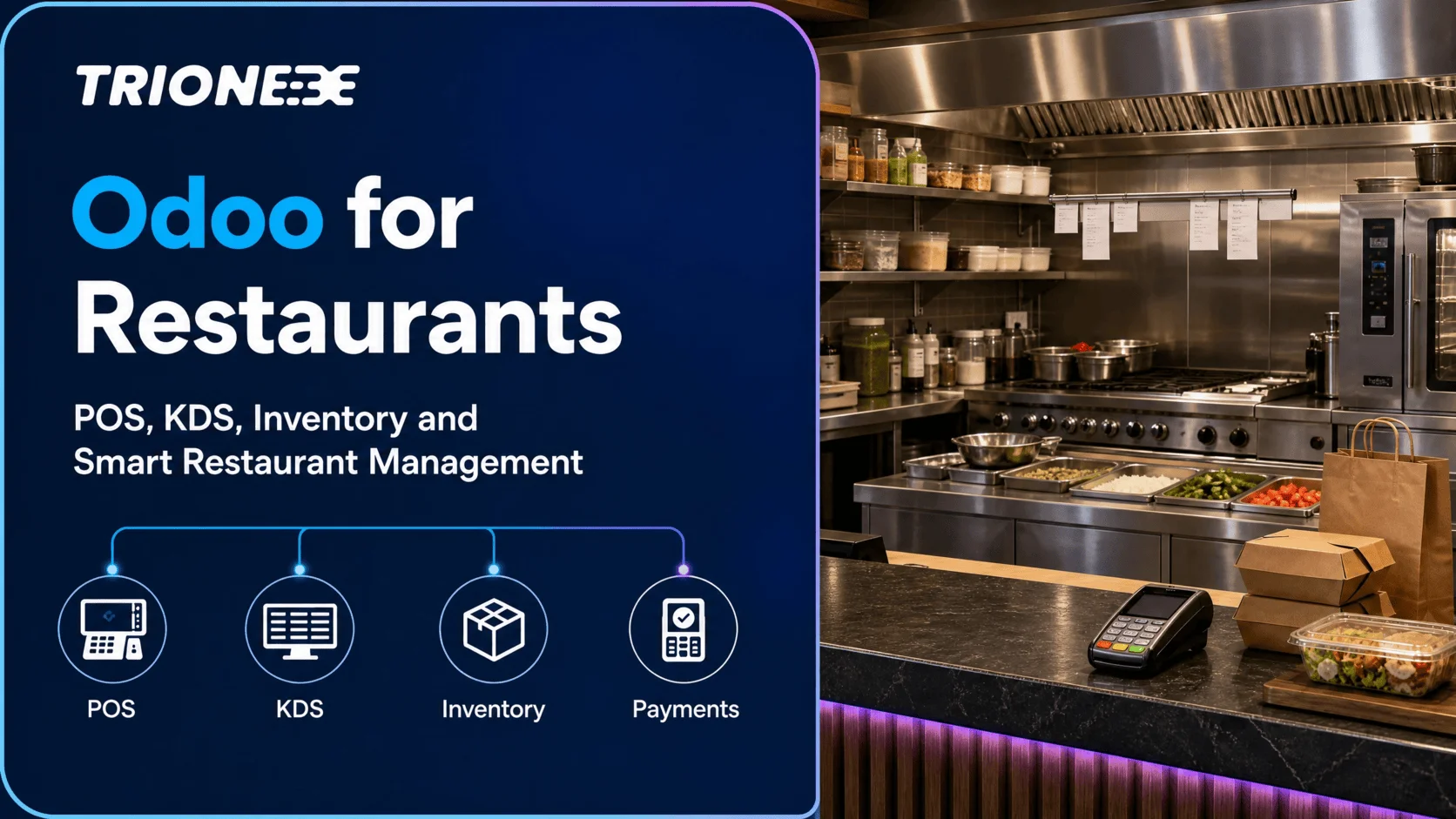
At the center of front-of-house operations is the order interface. Odoo POS offers a responsive, touch-friendly interface accessible via tablets, desktop terminals, or mobile devices. Servers can quickly select floor zones, assign tables, split bills by person or item, and register special dietary notes.
Instead of relying entirely on printed paper tickets, orders feed instantly to an integrated Kitchen Display System (KDS) or prep station printers. Cooks see digital order cards sorted by time and status, reducing kitchen chaos, eliminating lost orders, and significantly lowering order fulfillment times.
2. Automated Inventory and Recipe Management
Profit margins in food service are dictated by portion control and inventory precision. Odoo links your Point of Sale directly to your Inventory and Manufacturing modules through Bill of Materials (BoM) functionality for food and beverage items.
When a server sells a gourmet burger at the POS, Odoo automatically deducts the exact ratio of ingredients from stock balance—down to the grams of beef patty, sauce portions, and bakery buns. If stock levels drop below defined thresholds, the system can automatically trigger purchase orders to designated vendors, ensuring key menu items never go out of stock unexpectedly.
3. Flexible Floor and Table Management
Hospitality layouts evolve based on reservations, events, and rush periods. Odoo allows operators to visually map their restaurant floor plan in real time. Floor managers can track table status (available, reserved, ordered, billed), monitor dining duration, and reassign tables effortlessly. This real-time visibility improves seating efficiency and helps maximize table turnover without compromising guest comfort.
4. Centralized Financial Management and Automated Accounting
Manual reconciliation between POS terminal reports and bank statements is one of the most error-prone tasks in restaurant operations. Odoo automatically syncs daily sales totals, payment method breakdowns, vendor invoices, and petty cash logs directly into the Accounting module.
Business owners gain immediate insight into key financial indicators, including prime cost percentages, gross profit margins per menu item, operational overhead, and real-time revenue performance across individual branches.
5. Unified Guest Experience, CRM, and Loyalty
Repeat customers generate a significant share of hospitality revenue. Odoo integrates customer relationship management (CRM) directly into the sales workflow. Staff can register customer details at checkout, track dining preferences, issue digital loyalty rewards, and deploy targeted marketing campaigns—such as birthday discounts or off-peak promotions—directly from the platform.
Step-by-Step Strategy for Implementing Odoo
Transitioning to an integrated enterprise system requires a deliberate implementation strategy to avoid interrupting daily operations. A structured roll-out generally follows these four phases:
Phase 1: Workflow Audit and Menu Architecture Mapping
Begin by mapping every physical and operational step in your venue: from guest arrival and order entry to kitchen prep, inventory issuance, and payment handling. Standardize your menu items, variant options (e.g., milk choices, spice levels), and ingredient yields (BoMs) before configuring software settings.
Phase 2: Hardware Setup and Network Infrastructure
Ensure your physical infrastructure is robust. Secure local network access for POS terminals, kitchen printers, display screens, and payment terminals. Odoo POS runs efficiently across standard web browsers, tablets, and specialized POS hardware, providing flexibility without lock-in to proprietary hardware vendors.
Phase 3: Module Configuration and Pilot Testing
Configure core odoo modules in a controlled staging environment. Run simulated service shifts with your floor and kitchen leads to validate order flow, ticket printing, recipe deductions, and bill splitting scenarios.
Phase 4: Staff Training and Phased Go-Live
Deliver focused, role-specific training sessions. Cashiers and servers only need to master the intuitive POS interface, while kitchen staff focus on KDS interaction, and store managers learn inventory adjustments. Launching during a scheduled off-peak window minimizes operational risk during the initial transition day.
Common Pitfalls to Avoid
- Ignoring Recipe Conversions: Failing to input precise unit conversions (e.g., buying cheese in kilograms but consuming it in grams) will distort inventory audits. Clean master data is essential for accurate stock tracking.
- Over-Customization Early On: Out-of-the-box Odoo covers the vast majority of standard hospitality workflows. Resist customizing core code heavily in initial phases; adapt standard workflows first to maintain quick deployment times and lower operational overhead.
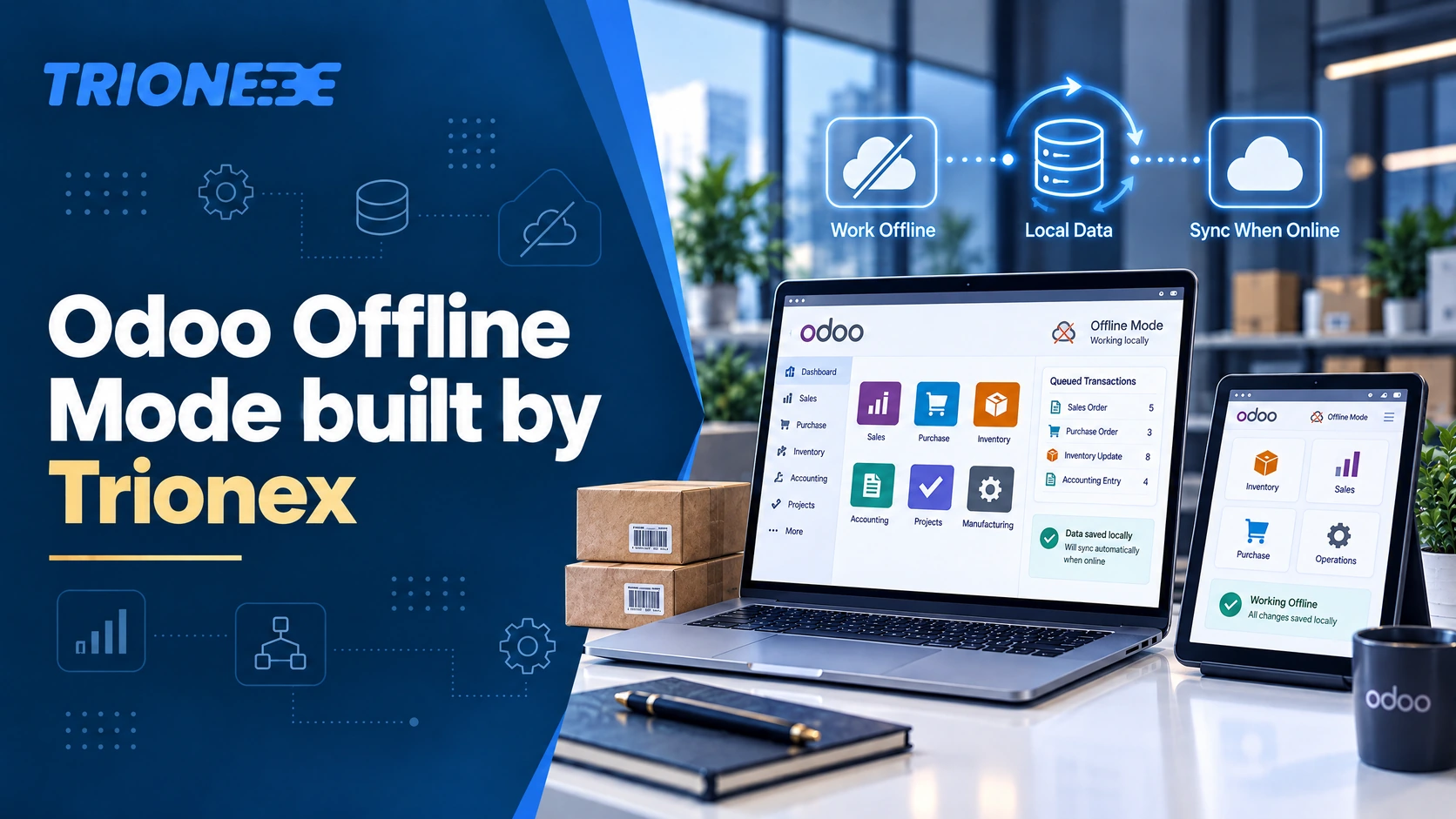
- Inadequate Offline Planning: While Odoo POS features built-in offline functionality that continues working during internet drops, businesses must ensure local hardware network configurations are properly architected to avoid sync delays.
How Trionex Helps Hospitality Businesses Succeed
Deploying an enterprise solution tailored to the high-tempo demands of food and beverage service requires more than just software licenses. It demands deep technical knowledge paired with practical business operational insight.
As a specialized Odoo partner focused on Odoo implementations, business automation, and digital transformation, Trionex works closely with hospitality brands to design, configure, and deploy optimized management systems. From structuring precise menu intelligence and inventory workflows to integrating localized payment gateways and providing dedicated technical support, Trionex ensures your operational backbone is built for long-term scalability.
Conclusion
In today’s competitive hospitality landscape, operational efficiency directly drives guest satisfaction and business profitability. Continuing to rely on disconnected systems creates blind spots in inventory cost control, slows down guest service, and burdens management with excessive manual paperwork.
By leveraging Odoo’s unified ecosystem, hospitality leaders can streamline floor operations, protect menu margins, and make data-driven decisions based on real-time insights. Investing in modern digital infrastructure is no longer just a technical upgrade—it is a strategic decision that positions your business for sustainable growth.
Frequently Asked Questions
1. Can Odoo POS operate if the internet connection goes down?
Yes. Odoo POS runs directly in your device’s web browser and continues to process orders, print kitchen tickets, and close bills even if internet connectivity drops. Once the connection is restored, all offline transactions automatically synchronize back to the main database and accounting modules.
2. How does Odoo handle multi-branch or franchise restaurant setups?
Odoo natively supports multi-company and multi-warehouse structures. Central management can track sales, menu performance, ingredient usage, and financial reports across all branches individually or as a consolidated group. Stock transfers between central production kitchens and individual branch outlets are handled seamlessly.
3. Can custom recipes and modifiers be configured easily in Odoo?
Absolutely. Odoo allows you to set up menu item variants, optional extras, forced choices (e.g., meat temperature), and special instructions. These modifiers automatically map to the kitchen display/printer and deduct the correct inventory quantities according to your master recipe setup.
4. Is Odoo suitable for both Quick Service Restaurants (QSR) and Fine Dining?
Yes. Odoo’s modular design makes it adaptable to various service formats. Quick Service Restaurants can utilize fast counter-checkout workflows and digital order screens, while fine dining operations can leverage detailed graphical floor plans, table transfer tools, course management, and split-billing functionalities.
Tagged with :