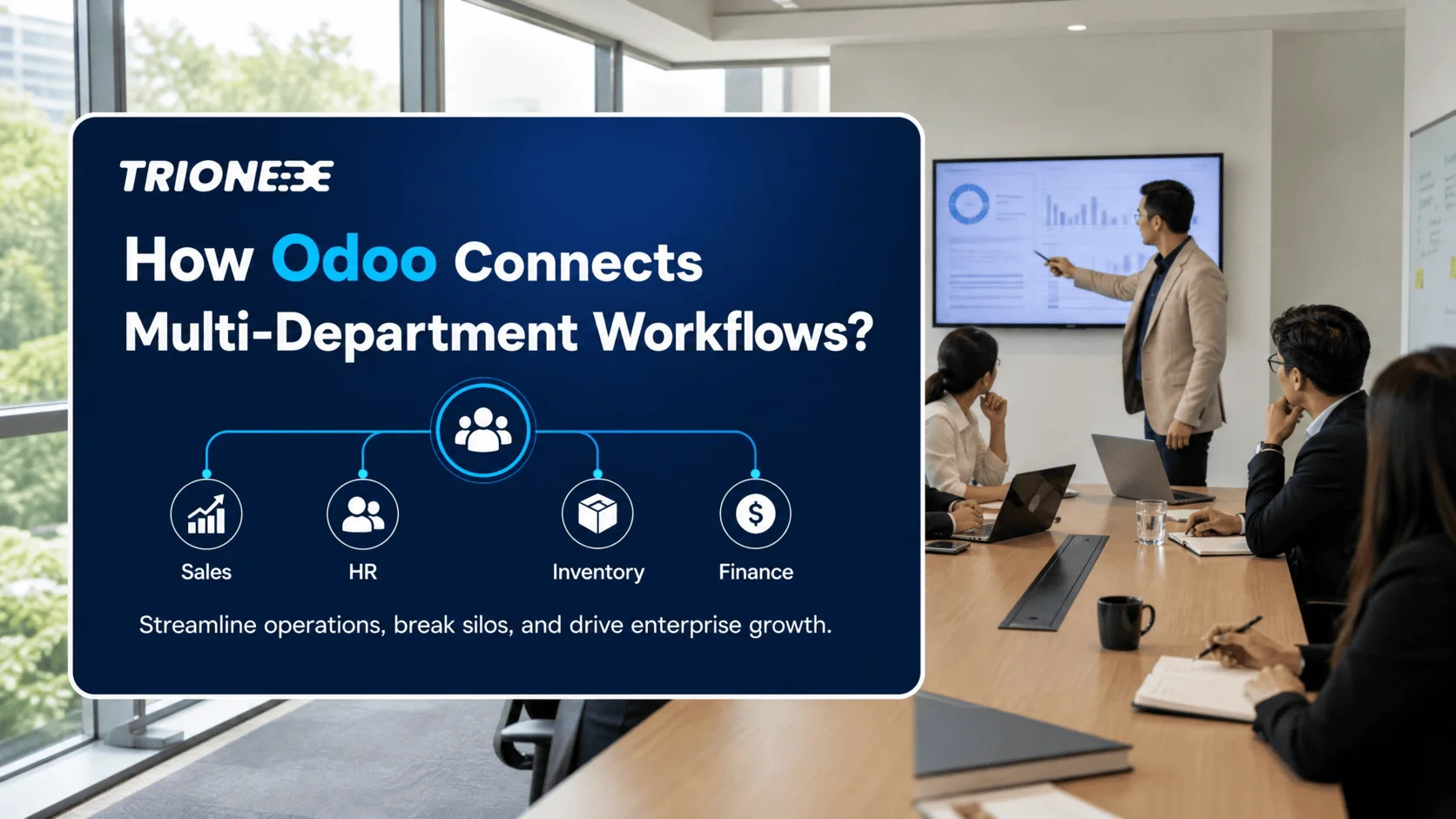
As an enterprise expands, operational complexity increases exponentially. What worked smoothly when a company managed fifty orders a week quickly breaks down when managing hundreds across multiple regions, channels, and product lines. In many growing organizations, growth brings an unintended side effect: operational friction. Sales teams close deals that production cannot fulfill on time, inventory levels fluctuate unpredictably, customer support lacks visibility into delivery schedules, and finance spends days reconciling inconsistent data from disconnected software tools.
This fragmentation is rarely due to a lack of effort from team members. Instead, it is the natural consequence of relying on disconnected point solutions—standalone software tools tailored for individual departments without a unifying backbone. To sustain momentum, modern enterprises require an architecture that connects people, processes, and data seamlessly. An integrated Odoo Enterprise Resource Planning (ERP) system provides precisely this foundation, transforming isolated departmental activities into synchronized enterprise workflows.
The Operational Friction of Disconnected Systems
In mid-sized and growing enterprises, software adoption often happens organically. The marketing team adopts a specialized CRM, accounting selects dedicated bookkeeping software, warehouse supervisors manage stock in spreadsheets, and human resources utilizes a standalone portal. While each department may feel satisfied with its individual tool, the enterprise as a whole suffers from systemic inefficiencies.
- Data Silos and Redundancy: When departments operate on independent platforms, duplicate customer records, mismatched SKU numbers, and conflicting financial reports become common. Teams spend valuable hours manually re-entering data from one platform to another, increasing human error rates.
- Delayed Decision-Making: Leadership needs accurate, real-time insights to make strategic choices. When data must be compiled manually across five different tools, reporting takes days or weeks. By the time leadership receives a summary report, the information is already outdated.
- Suboptimal Customer Experiences: Customers expect instant updates regarding order statuses, invoices, and service requests. If sales account managers must phone the warehouse manager to confirm stock levels, customer satisfaction inevitably declines.
- Higher Maintenance Costs: Managing multiple software subscriptions, custom API bridges, and separate vendor relationships inflates IT overhead and creates technical debt that hinders long-term agility.
How Integrated Odoo ERP Connects Key Departments
Odoo addresses software fragmentation through a modular yet fully unified architecture. Unlike traditional legacy ERP systems that require complex custom integrations between separate modules, Odoo applications are natively built to communicate with one another out of the box. A single action in one department automatically triggers corresponding updates across the entire enterprise ecosystem.
1. Synchronizing Sales and Inventory Management
In a traditional setup, a sales representative confirms a quotation without real-time visibility into current physical inventory or reserved stock. With Odoo, when a sales representative creates a sales order, the system instantly checks warehouse stock levels across multiple locations. If the items are available, Odoo automatically creates a delivery order and reserves the stock. If inventory is insufficient, the system can automatically generate a draft purchase order or manufacturing order based on pre-configured reordering rules. This eliminates stockouts, overpromising, and manual inventory checks.
2. Unifying Procurement, Manufacturing, and Supply Chain
For manufacturing and distribution enterprises, supply chain alignment is critical. Odoo integrates Purchase, Inventory, and Manufacturing (MRP) modules into a singular operational flow. When a production order is scheduled, Odoo calculates material requirements (Bill of Materials) and cross-references them with existing stock. If raw materials fall below safety thresholds, automated procurement requests are submitted to designated vendors. Work centers receive real-time scheduling, ensuring production lines operate at peak efficiency without costly downtime caused by missing components.
3. Automating Accounting and Financial Visibility
Finance should function as a strategic advisory department rather than an administrative entry office. Odoo automates financial record-keeping by connecting sales orders, vendor bills, inventory valuation, and point-of-sale activities directly to the General Ledger. When a warehouse operator validates a delivery, Odoo automatically updates inventory valuation accounts. When a customer pays through an online portal, reconciliation happens automatically. This real-time financial integration provides executive leadership with instant visibility into cash flow, profit margins, and cost structures.
4. Aligning Human Resources and Project Operations
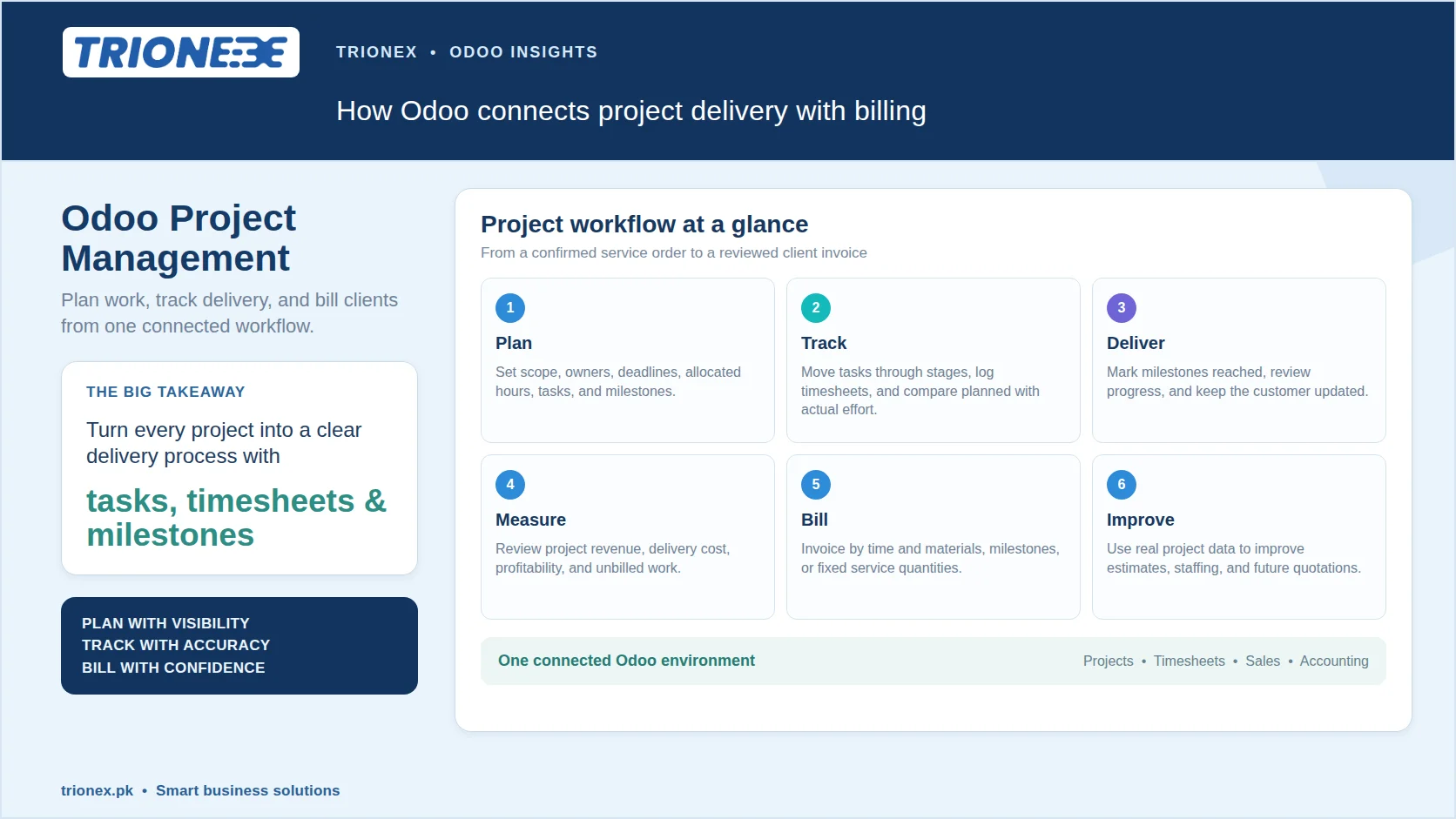
Service-driven enterprise operations require seamless coordination between workforce planning and project execution. In Odoo, project managers can assign tasks based on employee availability, skill sets, and current workloads managed through the HR module. Timesheets submitted by team members instantly feed into project tracking and automated customer billing, ensuring accurate time tracking and transparent client invoicing without administrative delay.
Real-World Scenario: The Seamless Order-to-Cash Workflow
To understand the practical impact of an integrated Odoo ecosystem, consider how a growing distribution company processes a customer transaction before and after implementing an integrated ERP system:
Without Integration: A client places an order via email. A sales representative checks stock by calling the warehouse, manually creates a quote in a CRM, emails an invoice generated in accounting software, and alerts the dispatch team via chat. The warehouse ships the goods later than expected because the order details were incorrectly typed into the shipping log. Accounting chases payment manually two weeks later because the payment status wasn’t shared with sales.
With Integrated Odoo:
- Sales: The sales representative approves the customer order in Odoo. The platform automatically verifies client credit limits and reserves inventory.
- Operations: A delivery order is generated instantly for the warehouse team, optimized with picking routes and barcode scanning integration.
- Inventory & Procurement: Validating the shipment automatically adjusts stock levels across channels. If stock drops below threshold, a replenishment purchase order is drafted for procurement review.
- Finance: Odoo generates the customer invoice based on validated delivery notes and emails it to the customer automatically, offering integrated online payment options.
- Reporting: Executive dashboards update immediately, reflecting accurate sales revenue, margin impact, inventory changes, and updated accounts receivable balance.
Practical Steps to Implement Odoo for Enterprise Success
Transitioning to an integrated ERP system is a strategic business project, not merely an IT upgrade. Organizations should follow a structured methodology to maximize return on investment:
Step 1: Conduct a Comprehensive Workflow Audit
Before configuring software, map out your enterprise’s existing processes. Identify operational bottlenecks, redundant data entry points, and communication handoffs between departments. Determine which processes represent core competitive strengths and which represent inefficient workarounds developed due to software limitations.
Step 2: Define Core Requirements and Phasing Strategy
Avoid the temptation to deploy every available application simultaneously. Prioritize core modules that address immediate operational friction—typically Sales, Inventory, Invoicing, and Purchase. Establish clear performance metrics, such as reduced order processing cycles or improved inventory accuracy, to evaluate success at each phase.
Step 3: Clean and Standardize Master Data
An ERP system is only as effective as the data residing within it. Cleanse customer databases, standardize vendor catalogs, harmonize SKU naming conventions, and verify accurate inventory counts before migrating data into Odoo. Importing clean, structured data prevents legacy inefficiencies from persisting in the new system.
Step 4: Prioritize Change Management and Role-Based Training
User adoption determines ERP success. Employees often resist platform transitions if they feel overwhelmed by new interfaces. Provide tailored, role-specific training sessions focused on how Odoo simplifies daily responsibilities rather than abstract platform features. Establish internal champions across departments to offer ongoing assistance.
Step 5: Continuously Refine and Automate
Once core functionality is active, analyze workflow performance data. Leverage Odoo’s flexible automation tools to streamline repetitive tasks, such as automated customer follow-ups, reorder point triggers, and executive email summaries.
Common Mistakes Enterprises Make During Implementation
Even with advanced ERP technology, improper implementation strategies can delay benefits. Watch out for these frequent pitfalls:
- Over-Customizing standard Workflows: Organizations often attempt to modify Odoo to mirror inefficient legacy processes. It is generally far more effective to adapt business workflows to follow Odoo’s established, industry-standard best practices. Custom code should be reserved for unique competitive advantages.
- Treating Implementation as an IT-Only Project: An ERP system impacts every operational division. If executive leadership and functional heads (Sales, Supply Chain, Finance) are not actively involved from initiation, the system may fail to address key operational needs.
- Neglecting Data Validation and Testing: Skipping rigorous User Acceptance Testing (UAT) across multi-departmental scenarios leads to preventable errors during go-live. Always test end-to-end workflows in a sandbox environment.
- Underestimating Ongoing Optimization: Deploying the software is step one. Enterprise growth requires periodic reviews of module utilization, system updates, and ongoing workflow refinement as business models evolve.
Partnering for Long-Term Enterprise Growth
An integrated Odoo ERP system transforms fragmented operations into an agile, transparent enterprise capable of sustainable growth. By establishing a central repository for cross-departmental data, business leaders gain the clarity needed to optimize inventory, improve customer satisfaction, and protect operational margins.
Achieving a seamless ERP deployment requires more than technical software installation; it demands deep business process expertise, clear architectural planning, and pragmatic change management. At Trionex, we help growing enterprises navigate digital transformation by designing, customizing, and implementing Odoo solutions that reflect unique operational requirements. Whether your goal is to automate complex inventory flows, connect global sales channels, or unify financial reporting, our consultative approach ensures your technology investment delivers measurable operational efficiency.
FAQs
1. Can Odoo ERP handle multi-company and multi-currency operations for expanding enterprises?
Yes. Odoo natively supports multi-company and multi-currency configurations. It allows global enterprises to manage separate legal entities with customized chart of accounts, inter-company transactions, and automated currency conversions while providing consolidated financial reporting for leadership.
2. How does Odoo compare to traditional enterprise legacy ERP systems in terms of scalability and flexibility?
Traditional legacy ERP platforms often require massive upfront investments, long implementation schedules, and rigid structures that are expensive to modify. Odoo offers a modular architecture that allows enterprises to start with essential applications and scale as operational requirements expand, reducing cost while retaining enterprise-grade flexibility.
3. How long does a typical Odoo implementation take for a mid-sized enterprise?
Odoo implementation timelines depend on project scope, customization needs, and data migration complexity. A phased core implementation for a mid-sized enterprise typically ranges between 3 to 6 months. Adopting standard workflows and utilizing experienced implementation specialists significantly accelerates deployment timelines.
4. Is Odoo secure enough to protect sensitive enterprise and customer financial data?
Yes. Odoo provides robust security controls, including role-based user access permissions, encrypted data transmission, automated security logging, and compliant cloud or on-premise hosting choices. Enterprise administrators retain complete control over data visibility settings across teams.
Tagged with :