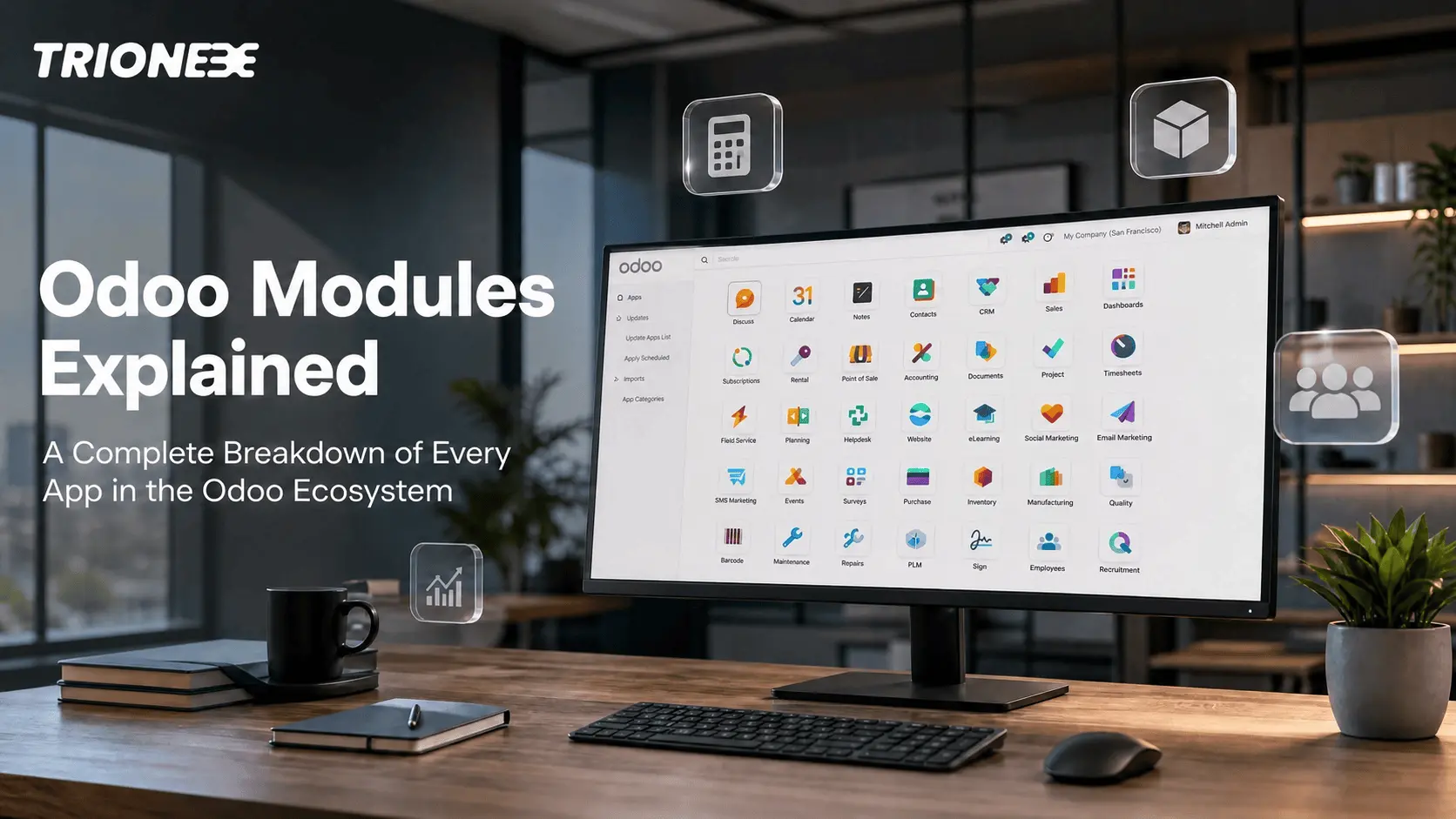
Odoo is not one single tool. It is a collection of connected apps, and each one runs a different part of your business. This is what people mean when they ask about the Odoo modules list. In this guide you will find every major module explained in plain language, how they work together, which ones fit different industries, and what AI can now do inside them.
What are Odoo Modules?
An Odoo module is a small app that handles one job. CRM manages leads. Inventory tracks stock. Accounting handles your books. Each module can run on its own, but the real value shows up when they talk to each other. A sale in the Sales app can update stock in Inventory and create an invoice in Accounting automatically. Nothing needs to be entered twice.
Odoo Apps vs Odoo Modules
People use these two words interchangeably, and in daily conversation that is fine. Technically, a module is a piece of code that adds a feature. An app is how that module is packaged and shown to users inside Odoo. A big app like Sales may quietly install smaller support modules behind it. For a business owner, the difference rarely matters. What matters is picking the right set of apps for your workflow, which is exactly what an Odoo implementation partner helps you plan.
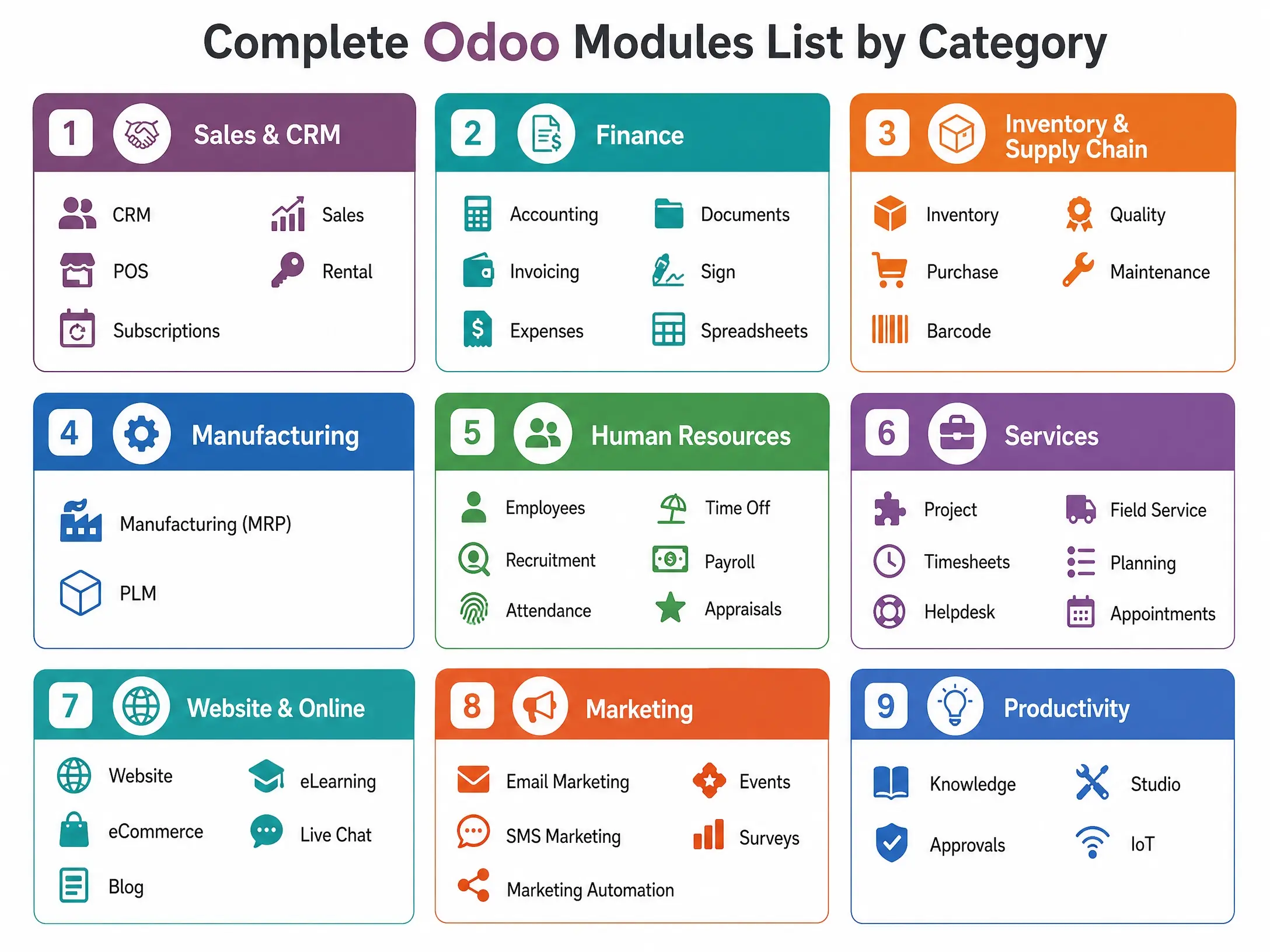
Complete Odoo Modules List by Category
| Category | Modules |
|---|---|
| Sales & CRM | CRM, Sales, POS, Subscriptions, Rental |
| Finance | Accounting, Invoicing, Expenses, Documents, Sign, Spreadsheets |
| Inventory & Supply Chain | Inventory, Purchase, Barcode, Quality, Maintenance |
| Manufacturing | Manufacturing (MRP), PLM |
| Human Resources | Employees, Recruitment, Attendance, Time Off, Payroll, Appraisals |
| Services | Project, Timesheets, Helpdesk, Field Service, Planning, Appointments |
| Website & Online | Website, eCommerce, Blog, eLearning, Live Chat |
| Marketing | Email Marketing, SMS Marketing, Marketing Automation, Events, Surveys |
| Productivity | Knowledge, Approvals, Studio, IoT |
The Core Modules
- CRM keeps every lead and deal in one pipeline. Your sales team stops chasing leads from memory or scattered spreadsheets.
- Sales turns a quotation into an order in one click. Pricing, discounts, and delivery all stay linked to that one record.
- Inventory tracks every product across every warehouse. It knows what is in stock, what is reserved, and what needs reordering.
- Purchase manages your vendors. It sends requests for quotes, tracks purchase orders, and matches vendor bills automatically.
- Accounting and Invoicing run your books. Invoices, bank reconciliation, and financial reports all pull from the same live data instead of separate files.
- Manufacturing, often called MRP, plans production. It manages bills of materials, work orders, and shop floor activity from one screen.
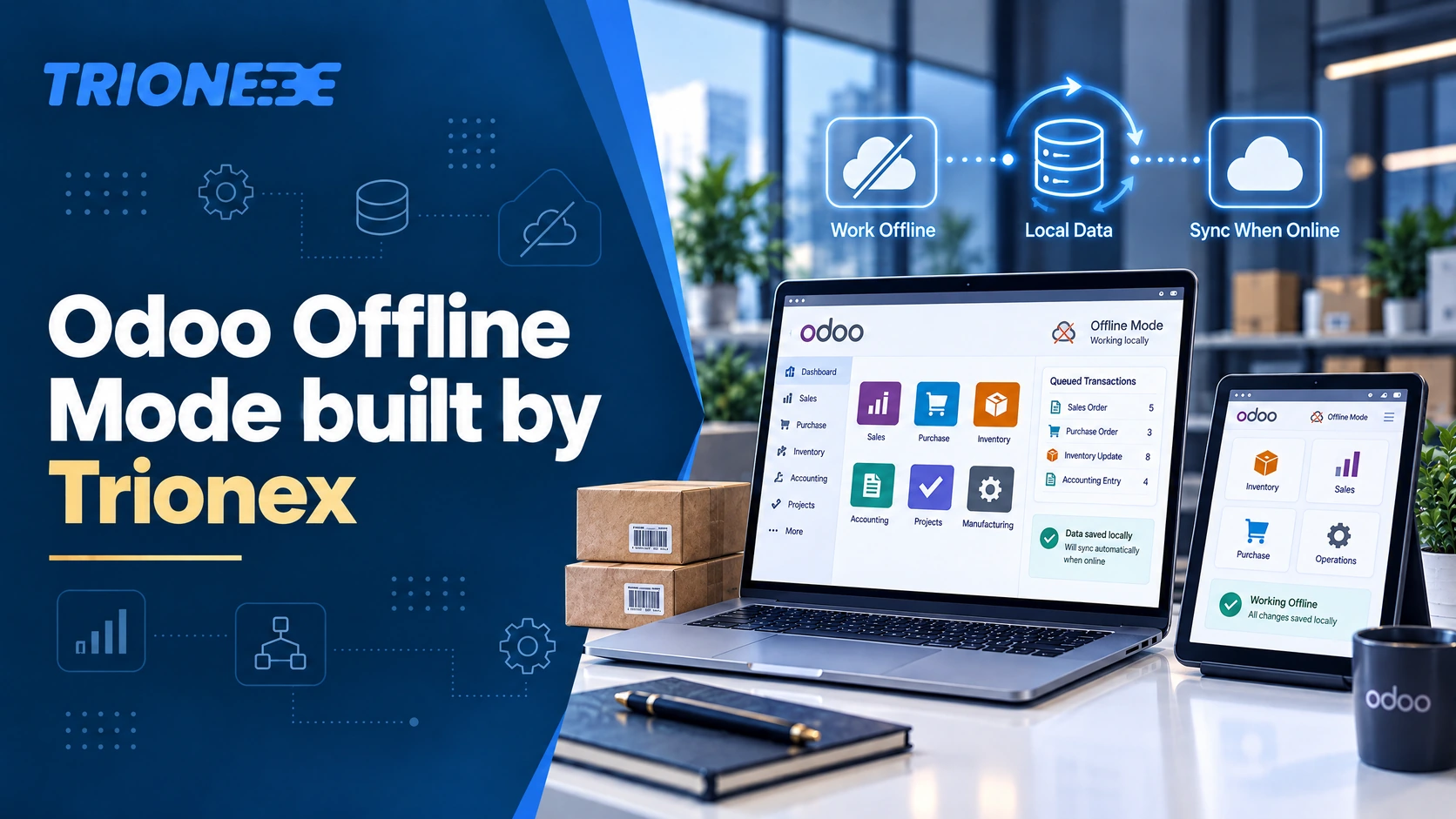
- POS runs your till, whether that is a retail counter or a restaurant. It works even without internet and syncs stock the moment it reconnects.
- HR covers your team. Employee records, attendance, leave requests, recruitment, and payroll workflows all live in one place.
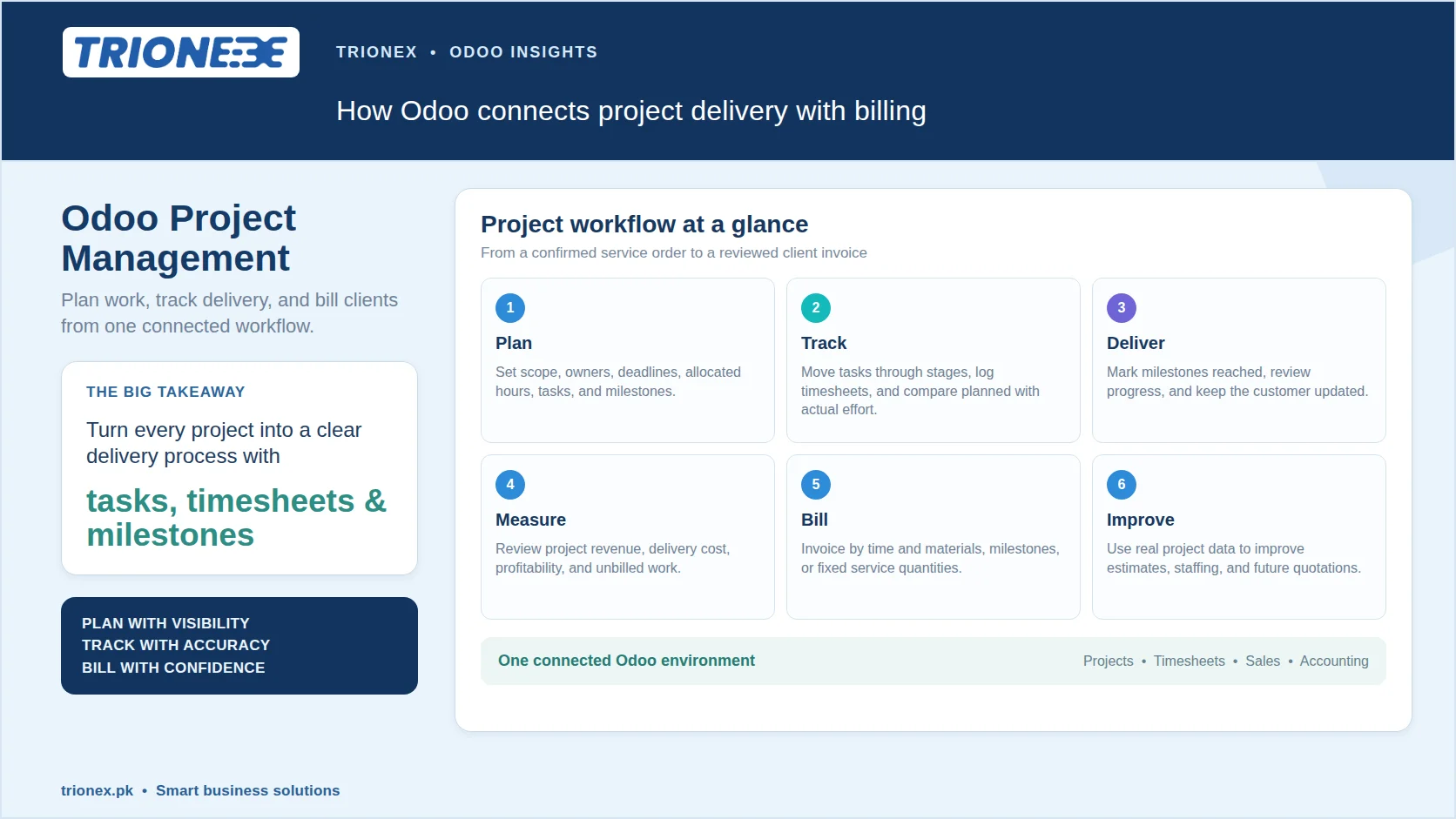
- Project and Timesheets track work and billable hours together, which matters for any service business that bills by time.
- Website and eCommerce let you build a site and sell online without hiring a separate web team, and it stays connected to your real stock levels.
- Helpdesk and Field Service manage support tickets and on-site jobs, so nothing gets lost between a customer complaint and a technician visiting site.
- Documents and Sign cut down on paper. Files get organized automatically, and contracts can be signed electronically from inside Odoo.
Which AI Features are Built into Odoo Modules?
Odoo has started adding real AI, not just automation rules, directly inside its apps. This is a newer development most guides on this topic have not covered yet.
- CRM can now score leads automatically and suggest the next best action for a salesperson.
- Accounting can read incoming bills and match them to the right vendor and account with less manual entry.
- Inventory can forecast demand based on past sales, which helps avoid both stockouts and overstocking.
- Helpdesk can suggest replies to common tickets using your own knowledge base.
These features are part of Odoo’s newer versions, and our Odoo AI features guide covers them in more depth.
Can Odoo Handle Pakistani Business Requirements?
Yes, and this is where most Odoo guides fall short since they are written for the US or European market. For businesses in Pakistan, the Accounting and Invoicing modules can be configured for FBR e-invoicing, so your invoices stay compliant with local tax rules. Multi-currency support inside Accounting also makes it easier to manage transactions in PKR alongside foreign currency dealings, which matters for import and export businesses. If you want the full picture, our guide on FBR e-invoicing with Odoo walks through the setup.
Which Odoo Modules Fit Your Industry?
Not every business needs every module. Here is a quick starting point.
| Industry | Recommended Modules |
|---|---|
| Manufacturing | Manufacturing, Inventory, Purchase, Quality, Accounting |
| Retail | POS, Inventory, Sales, Accounting, CRM |
| Trading and Distribution | Sales, Purchase, Inventory, Barcode, Accounting |
| Textile | Manufacturing, Inventory, Purchase, Quality |
| Construction | Project, Purchase, Timesheets, Accounting |
| Service Companies | CRM, Project, Timesheets, Helpdesk, Invoicing |
You can go deeper into any of these in our Odoo for manufacturing businesses guide or our Odoo for retail and POS guide.
Odoo Community vs Enterprise, Which Modules do You Get?
Odoo Community is free and open source. It covers the basics well, but some modules such as advanced manufacturing tools, full HR features, and Studio are only available in Enterprise. Enterprise also adds official support and a more polished interface. Many businesses start with Community, then move to Enterprise once they outgrow it. Our Community vs Enterprise comparison breaks this down module by module.
How do Odoo Modules Work Together?
This is really the whole point of choosing Odoo. A typical sales flow looks like this. A lead comes into CRM. It becomes a quotation in Sales. Once confirmed, Inventory reserves and delivers the product. Accounting then creates the invoice automatically. No one re-types the same information across four different systems. The same connected flow exists for purchasing, manufacturing, and service delivery.
Choosing the Right Modules for Your Business
Odoo’s biggest strength is that you do not need every module on day one. Start with what solves your biggest problem right now, whether that is messy leads, stock confusion, or slow invoicing. Add more modules as your business grows. If you are not sure where to start, working with an Odoo partner in Pakistan can help you map out exactly which modules your business needs and in what order to implement them.
Frequently Asked Questions
What are the main Odoo modules?
The most used ones are CRM, Sales, Inventory, Purchase, Accounting, Manufacturing, POS, HR, Project, and Website.
Which modules should a small business start with?
Most small businesses begin with CRM, Sales, Inventory, and Accounting, then add more as they grow.
Are all Odoo modules free?
Community modules are free. Some advanced modules and features only come with the paid Enterprise edition.
What is the difference between an Odoo app and a module?
An app is the user facing version of one or more modules. In daily use, people treat the terms as the same thing.
Do Odoo modules work for Pakistani businesses?
Yes. Accounting and Invoicing can be set up for FBR e-invoicing and PKR transactions, which makes Odoo practical for local compliance needs.
Which Odoo modules does manufacturing need most?
Manufacturing, Inventory, Purchase, and Quality together cover most production workflows.
Tagged with :