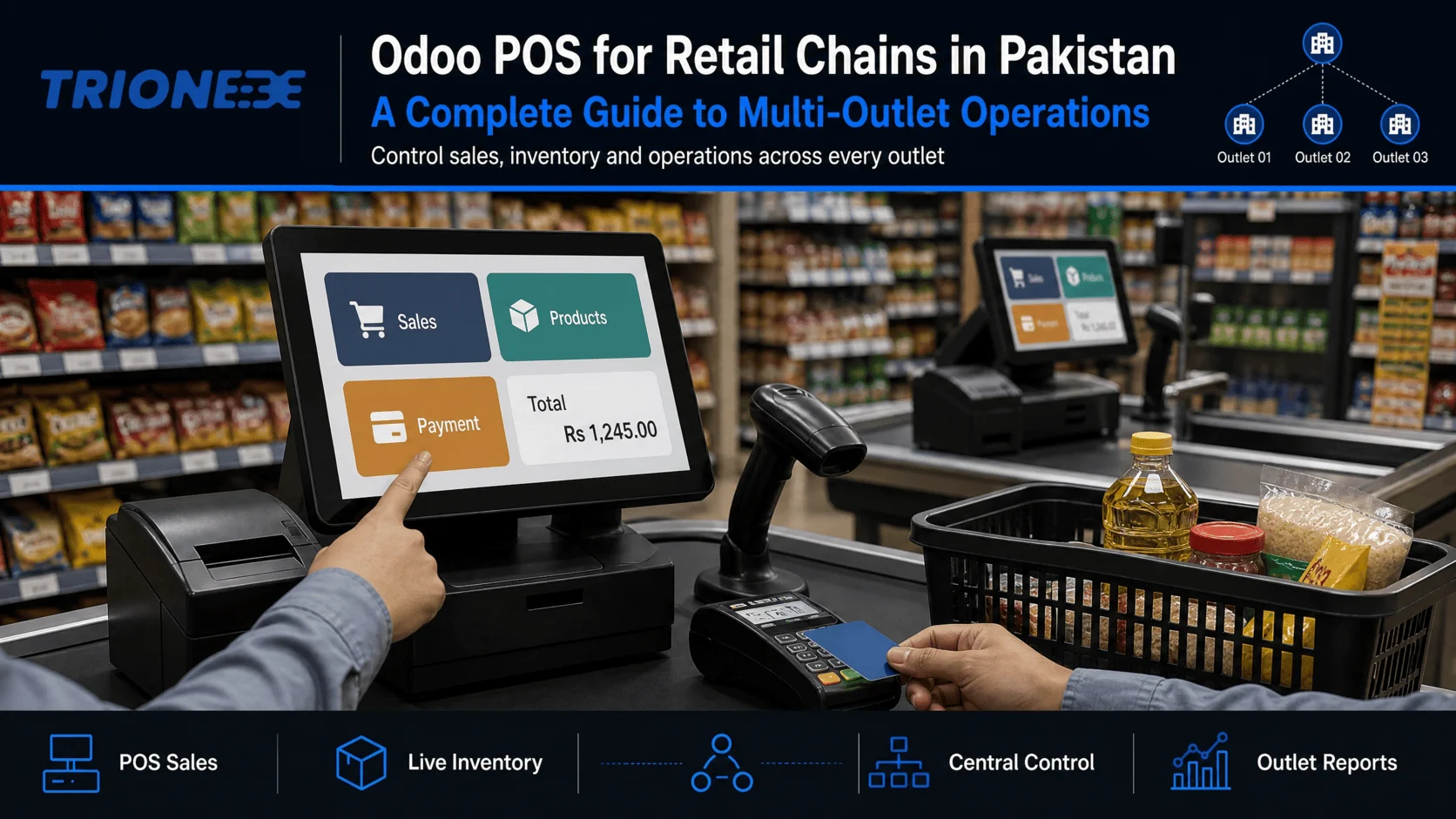
Here’s a problem almost every growing Pakistani retailer runs into at roughly the fifth outlet.
The POS software works fine. The accounting software works fine. The inventory spreadsheet works, sort of. But nobody can answer a simple question how many units of that item do we have across all branches right now? without three phone calls and a forty-minute wait. By the time the answer arrives, it’s wrong.
Single-outlet retail forgives disconnected systems. Multi-outlet retail does not. This guide covers what changes when you scale, how Odoo POS handles it, and more usefully where rollouts actually go wrong.
What is Odoo POS?
Odoo POS is the point-of-sale module within the Odoo ERP platform. It runs in a web browser on any laptop, tablet, or POS terminal, and connects directly to Odoo’s inventory, accounting, and customer modules.
The distinction that matters: it isn’t POS software that syncs with your ERP on a schedule. It’s a screen onto the same database. When a cashier rings up a sale, stock decrements and the journal entry posts in the same transaction. There’s no nightly sync to fail, no reconciliation between two versions of the truth, no “the numbers don’t match” meeting on Monday morning.
What breaks when you scale from one outlet to ten
Stock visibility collapses
With one store, the stock is in the room. With ten, you need real-time visibility across all of them otherwise you’re refusing a sale in Lahore for an item sitting dead on a shelf in Karachi. Retailers routinely lose meaningful revenue this way and never see it, because a sale that didn’t happen doesn’t appear in any report.
Odoo for retail industry, treats each outlet as a warehouse or stock location under one company. Every terminal sees live availability everywhere. A cashier can check another branch’s stock without leaving the POS screen.
Inter-branch transfers turn into guesswork
Stock moves between outlets constantly, and in most chains it moves on WhatsApp. Someone sends a photo of a delivery note. It arrives. Nobody records it properly. Two months later the stock ledger and the physical count have diverged badly enough that management stops trusting either.
Odoo handles branch-to-branch movement as formal internal transfers with dispatch and receipt confirmation. Stock in transit is visible and attributed. Discrepancies surface when they happen, not at annual count.
Pricing and promotions drift
Head office announces a 20% weekend promotion. Nine outlets apply it correctly. One applies it to the wrong category. Another starts a day early. Nobody notices until the margin report looks strange.
In Odoo, pricelists and promotions are configured centrally and pushed to every terminal. Outlet staff apply them; they don’t create them. You can scope a promotion to specific outlets deliberately, but not accidentally.
Cash reconciliation becomes a full-time job
Every terminal, every shift, every day: opening float, cash sales, card sales, cash in and out, closing count, variance. Across ten outlets and two shifts that’s twenty reconciliations a day. On paper, it’s unauditable.
Odoo POS enforces session control. A cashier opens a session with a declared float and closes it with a counted balance. Variance is recorded against a named user at a named terminal at a known time. Theft and error both become visible usually within days rather than quarters.
Reporting fragments
Each outlet produces its own numbers in its own format on its own schedule. Consolidation is a manual spreadsheet exercise, which means it’s slow and quietly wrong.
Because every terminal writes to one database, consolidated reporting is a filter, not a project. Sales by outlet, by category, by hour, by cashier available immediately, same definitions everywhere.
Does Odoo POS work offline?
Yes, with limits worth understanding before you buy.
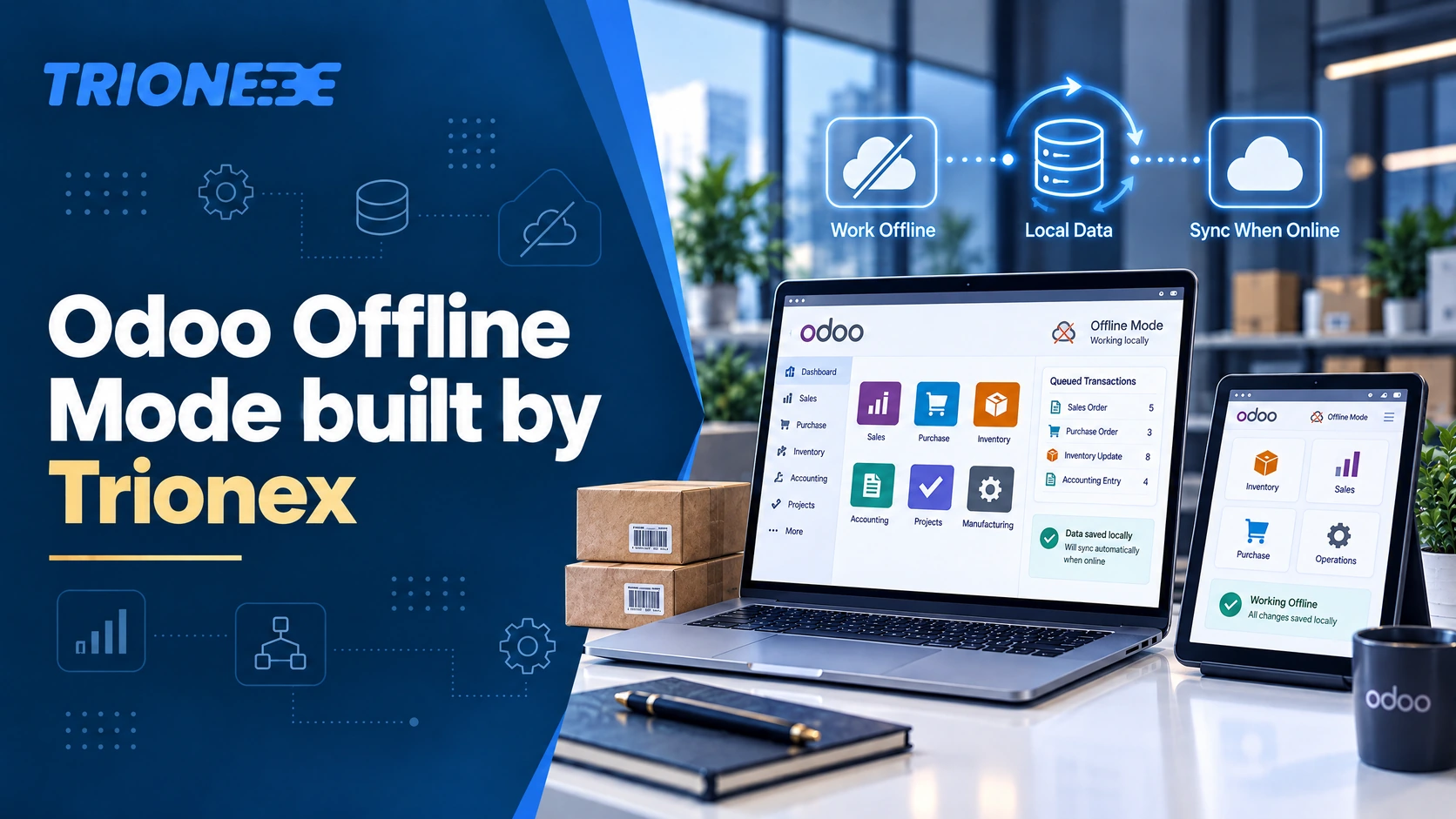
Odoo POS caches product data, pricing and customer records locally in the browser. If connectivity drops mid-shift, the terminal keeps selling. Transactions queue locally and sync automatically when the connection returns. Your outlet doesn’t stop trading because an ISP had a bad afternoon which, in Pakistan, is not a hypothetical.
What offline mode can’t do:
- Show live stock at other outlets (that requires the server)
- Validate loyalty points earned at a different branch in the last few minutes
- Post accounting entries in real time — those land on sync
The practical guidance: offline mode is a resilience feature for outages of minutes to hours, not an architecture for outlets with permanently unreliable connectivity. If a location has genuinely poor connectivity, fix the connection. A 4G failover router at each outlet costs less than one lost trading day.
Odoo POS vs Standalone POS Software
| Standalone POS | Odoo POS | |
| Inventory | Separate system or manual sync | Same database, real-time |
| Accounting | Export and import, usually monthly | Entries post automatically |
| Multi-outlet stock view | Often unavailable or delayed | Live across all locations |
| Customer data | Locked in POS | Shared with CRM, ecommerce, marketing |
| Ecommerce | Third-party integration | Native, same stock pool |
| Promotions | Configured per terminal | Centrally managed |
| Scaling cost | New licence per outlet, integrations multiply | Additional POS configs, one system |
| Customization | Vendor-dependent | Open architecture, custom modules |
| Upfront simplicity | Higher plug in and sell | Lower requires implementation |
The honest trade-off: standalone POS is easier to start with. Odoo requires a proper implementation. If you run one or two outlets and don’t intend to grow, a standalone system may genuinely serve you better. The economics flip somewhere around the third or fourth outlet, and flip hard once ecommerce enters the picture.
Hardware you’ll need
Odoo POS is browser-based, so the terminal itself can be a laptop, an all-in-one POS unit, or a tablet.
Per counter: terminal device, receipt printer, barcode scanner, cash drawer, customer-facing display (optional but reduces disputes), card payment terminal.
Per outlet: stable internet with 4G failover, and an IoT Box if you’re connecting printers, scales or scanners that need to be shared across terminals.
Odoo supports a broad range of standard hardware. Where retailers get caught out is legacy equipment — an old thermal printer or a proprietary scale that only speaks to its original software. Audit existing hardware early. Discovering an incompatibility during go-live week is expensive and entirely avoidable.
Tax compliance and POS invoicing in Pakistan
Odoo natively don’t support direct integration2, but at Trionex we have integrated Odoo with FBR, PRA, SRB, KPRA and others. On Top of that, Trionex is the first Odoo Partner who integrated FBR/PRA Micro service with odoo directly, ensuring it works perfectly in offline Mode.
What a multi-outlet rollout actually looks like
Weeks 1–2 — Discovery
Process mapping across outlet types. A flagship store, a mall kiosk and a warehouse-attached branch often operate differently enough to need different configurations.
Weeks 2–4 — Data preparation
This is where timelines slip, always. Product masters in Pakistani retail are typically a mess: duplicate SKUs, inconsistent barcodes, missing categories, three spellings of the same brand. Cleaning this is your team’s work, not your partner’s, and it cannot be skipped.
Weeks 4–6 — Configuration and build
POS configs per outlet, pricelists, promotions, user roles, receipt layouts, any custom development.
Weeks 6–8 — Pilot outlet
Go live at one location. Run it for two to three weeks. Every rollout problem you’re going to have will appear here, at a cost of one store instead of ten.
Weeks 8–14 — Phased rollout
Two to four outlets per wave, with a stabilisation gap between waves.
Ongoing — Hypercare and support
On-site presence during each wave’s first days, then a defined support SLA.
Ten to fourteen weeks is realistic for a ten-outlet chain with clean data and available staff. Anyone promising six weeks either knows something about your business you haven’t told them, or is planning to discover the difference on your budget.
Five mistakes that derail POS rollouts
- Going live at all outlets simultaneously: The pilot exists so you make your mistakes once. Skipping it converts a manageable problem into ten simultaneous emergencies.
- Migrating dirty product data: Duplicate and inconsistent SKUs poison every downstream report. Clean before you migrate, not after.
- Training managers but not cashiers: Cashiers use the system a hundred times a day. Turnover in retail is high, so build a repeatable half-day training package rather than training individuals once.
- Going live during peak season: Not in Ramadan, not in the run-up to Eid, not during end-of-season sale. The value of a calm go-live is difficult to overstate.
- Treating connectivity as someone else’s problem: POS uptime is network uptime. If nobody owns the network at outlet level, nobody owns POS reliability either.
Frequently asked questions
Can Odoo POS work without internet?
Yes. Odoo POS caches product and pricing data locally and continues processing sales during an outage, syncing automatically when connectivity returns. Live cross-outlet stock and real-time accounting posting require a connection.
How many outlets can Odoo POS handle?
There’s no practical outlet limit. Each outlet is configured as its own POS setup and stock location within one Odoo database, with centralisedreporting across all of them. Chains running dozens of locations on Odoo are common.
Does Odoo POS integrate with ecommerce?
Yes, natively. Odoo’s ecommerce module draws on the same product catalogue and stock pool as your outlets, which makes click-and-collect and ship-from-store straightforward rather than a custom project.
Can Odoo POS handle restaurants as well as retail?
Yes. Odoo POS includes a restaurant mode with floor and table management, order splitting, course sequencing, and kitchen printer routing. Retail and F&B outlets can run in the same database under one company.
What does Odoo POS cost in Pakistan?
Odoo Enterprise is licensed per user per month, paid directly to Odoo, with implementation quoted separately by your partner. Cost is driven by user count, outlet count, module scope and data migration complexity.
Can we keep our existing POS hardware?
Often, yes. Odoo supports standard receipt printers, barcode scanners, cash drawers and scales. Proprietary or older equipment should be tested during discovery rather than assumed compatible.
How long does a multi-outlet rollout take?
Typically 10–14 weeks for a ten-outlet chain, including a pilot store and phased waves. Data cleanliness and staff availability are the main variables.
Getting it right the first time
Most of what determines whether a POS rollout succeeds happens before anyone touches the software: whether your product data is clean, whether you piloted, whether cashiers were trained, whether someone owns the network.
Trionex is an Odoo Silver Partner based in Lahore, serving retail and F&B chains across Pakistan and the MENA region. We’ve deployed multi-outlet Odoo POS for retail and restaurant groups including Lama, Tim Hortons, Subway, Tesoro, Kiko Milano and we run Odooimplementation, custom development and network infrastructure under one roof — so POS uptime doesn’t turn into an argument between vendors.
If you’re evaluating POS for a growing chain, we’ll give you a straight assessment of scope, timeline and cost.
Connect with Our Business Team at ali.aslam@trionex.pk or contact us at +3114994809
Tagged with :