QuickBooks and Odoo are not really competing for the same job. QuickBooks keeps your books. Odoo runs your business, with accounting as one part of it. The real question is not which one is “better.” It is whether you still just need bookkeeping, or whether you have quietly outgrown it.
Signs You Have Outgrown QuickBooks
You do not usually decide to leave QuickBooks. You just start noticing the cracks.
- You are tracking inventory in a spreadsheet because QuickBooks’ stock features feel like an afterthought
- Sales leads live in someone’s inbox or a separate CRM that does not talk to your books
- You manufacture or assemble products, and QuickBooks simply has no answer for that
- Payroll means manual work-arounds because your team is not based in the US or Canada
- You are paying for three or four extra tools just to cover what QuickBooks does not do
One or two of these are manageable. Three or more usually means the software is holding the business back rather than helping it.
Where Quickbooks Still Gets it Right?
Credit where it is due. If you are a small, US-based service business with no inventory and no complex payroll, QuickBooks does exactly what you need without much setup. It is familiar to almost every bookkeeper, quick to learn, and reliable for straightforward invoicing and expense tracking. Plenty of businesses never outgrow this, and that is fine.
What QuickBooks Was Never Built to Do?
This is really the core of the comparison. QuickBooks is accounting software with some extensions bolted on. Odoo is a connected system where accounting, sales, inventory, and operations share the same data from day one.
In practice, that gap shows up in a few specific places:
- Inventory: QuickBooks offers basic stock tracking on its higher plans. Odoo supports multi-warehouse operations, barcode scanning, and replenishment rules, with stock valuation tied directly into the books.
- CRM: QuickBooks has none. No pipeline, no lead tracking. Odoo includes a full CRM connected to quotations and invoicing, so a closed deal moves straight into delivery and billing.
- Manufacturing: Not available in QuickBooks at any tier. Odoo manufacturing handles bills of materials, work orders, and quality checks alongside inventory and purchasing.
- Payroll: QuickBooks Ppyroll is a paid add-on, and it only covers the US and Canada. Odoo’s HR apps can be configured for other countries’ payroll requirements within the same system as your books.
None of this makes QuickBooks a bad product. It just means these were never the problems it was designed to solve.
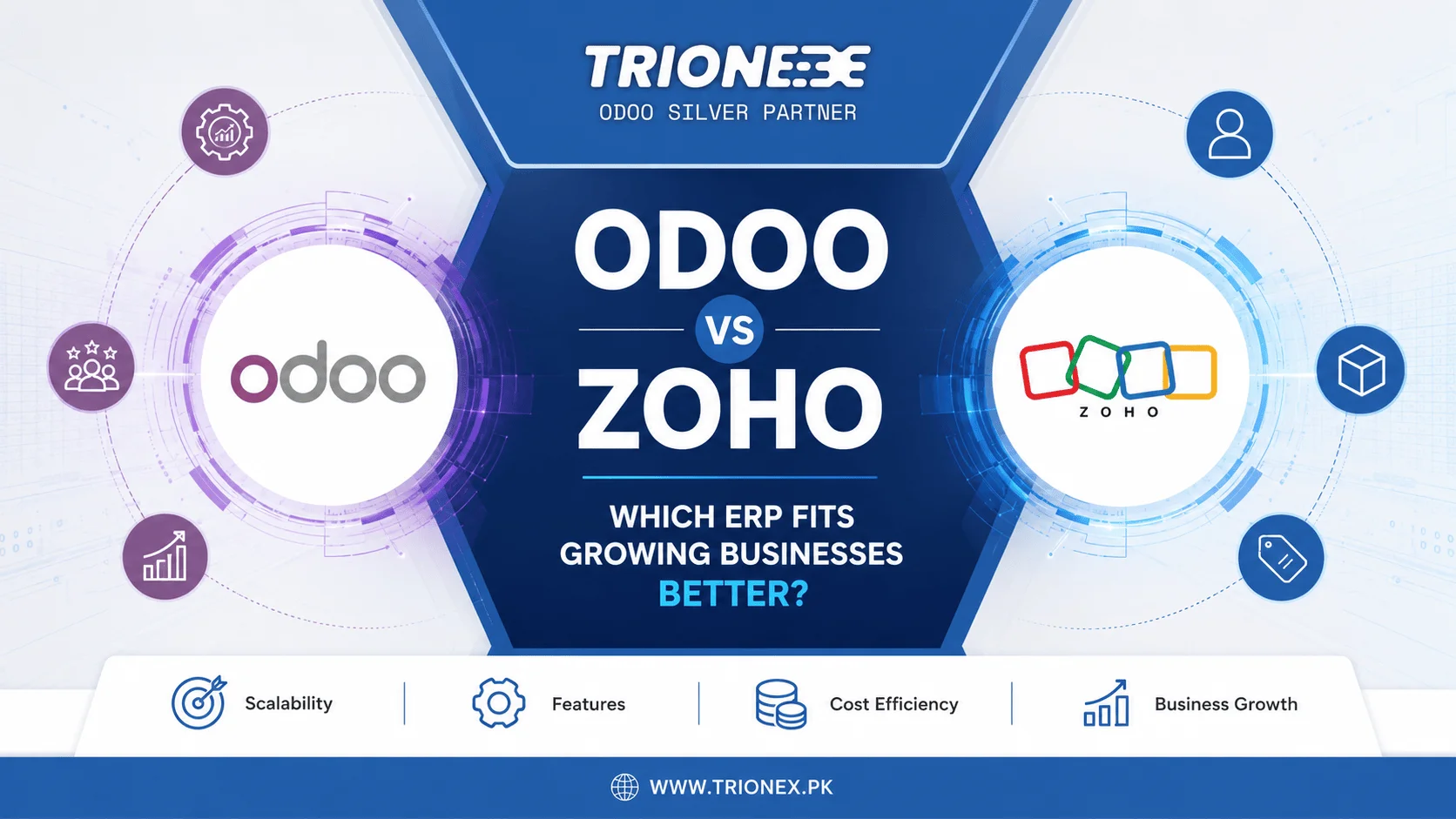
Read more about Odoo vs SAP and Odoo vs Zoho.
The Compliance Gap for Pakistani Businesses
This deserves its own space because it is rarely discussed outside Pakistan-focused circles. QuickBooks was not built for Pakistani tax law. FBR digital Invoicing, STRN validation, and IRIS-format sales tax returns are either missing entirely or need expensive third-party workarounds to approximate. Billing also runs in USD, which adds currency conversion costs and can complicate State Bank of Pakistan foreign exchange requirements for a locally operating business.
Odoo does not share this limitation. Its accounting can be configured directly for FBR e-invoicing, which is one of the main reasons Pakistani businesses that start on QuickBooks eventually move off it, not because the bookkeeping was wrong, but because compliance was never really possible in the first place.
An AI Comparison Nobody Else is Making
Most comparisons skip this, but both platforms have added AI in recent updates. QuickBooks uses it mainly for receipt categorization and basic expense matching. Odoo’s AI reaches further: smarter lead scoring inside CRM and AI-powered invoice data capture in Accounting, with recognition accuracy in the high 90s on scanned documents. If your workflow is bookkeeping only, this difference barely matters. If it is not, it adds up quickly.
Why the Pricing Conversation Keeps Changing
QuickBooks pricing has moved twice in 2026 already, once in May and again in August. Any comparison you read that quotes a specific QuickBooks price, including older versions of this one, is at real risk of being wrong by the time you check it. The safer move is to check the official QuickBooks pricing page directly rather than trust a number in a blog post.
Odoo prices per app and per user, with a free community edition for businesses that want to start small, listed on the official Odoo pricing page. The number that actually matters is not the sticker price of either platform, but what you are currently paying for the separate CRM, inventory tool, or payroll add-on that QuickBooks alone does not cover. Our Odoo cost guide breaks that comparison down properly.
What Switching Actually Looks Like?
Moving from QuickBooks to Odoo is not a rebuild from scratch. Your chart of accounts, contacts, products, and historical transactions can be imported directly. Most Odoo partners run both systems in parallel for a few weeks so you can verify the numbers match before fully cutting over. The accounting side of the move is usually the easy part. The bigger shift is operational: your team learning to work inventory, sales, and invoicing inside one connected system instead of stitching separate tools together.
Three Questions to Ask Yourself
Before deciding anything, be honest about these:
- Do I sell or manufacture physical products, not just services?
- Do my sales and operations teams need to see the same data as my books?
- Do I need FBR-compliant invoicing or payroll outside the US and Canada?
A “yes” to any one of these is usually enough reason to look seriously at Odoo. A “no” across the board means QuickBooks is probably still doing its job.
Conclusion
If your business is still just bookkeeping, stay on QuickBooks. It does that job well and there is no reason to complicate it. If you are already feeling the gaps in inventory, sales, payroll, or compliance, that discomfort is the actual signal, not a sales pitch. Trionex is an Odoo silver partner based in Lahore, with implementations delivered for brands like Sapphire, Tim Hortons, and Subway across manufacturing, retail, and food service in Pakistan. If FBR compliance or one of the gaps above is what brought you here, our Odoo implementation team can walk you through what switching actually involves.
Frequently Asked Questions
Is Odoo more expensive than QuickBooks?
Not necessarily. For bookkeeping alone, QuickBooks can come out cheaper. Once you add a CRM, inventory tool, or payroll add-on to fill its gaps, Odoo’s combined pricing often ends up lower.
Can I move my QuickBooks data into Odoo without losing anything?
Yes. Chart of accounts, contacts, products, and past transactions all import directly, and running both systems in parallel briefly is the standard way to confirm nothing was lost.
Does QuickBooks support FBR e-invoicing?
No. It was not built for Pakistani tax requirements, which is one of the most common reasons Pakistani businesses move to Odoo once they need real compliance.
Is QuickBooks fine for a small business just starting out?
Yes, especially for a solo service business with no inventory and no local payroll to manage. The limitations only start to matter once you grow past that.
Does Odoo fully replace QuickBooks, or do I still need both?
Odoo replaces it fully. Odoo Accounting covers the same bookkeeping QuickBooks does, plus the CRM, inventory, and operational modules QuickBooks never included.
Tagged with :